Replacement
Cross-Arm
Note: The following procedure does not separate the Flip Flop assembly or L-arm assembly from the Cross Arm.
1. Turn off Workstation and disconnect its power plug from facility's AC outlet.
2. Remove the "C" from the Flip Flop assembly as described elsewhere in this chapter.
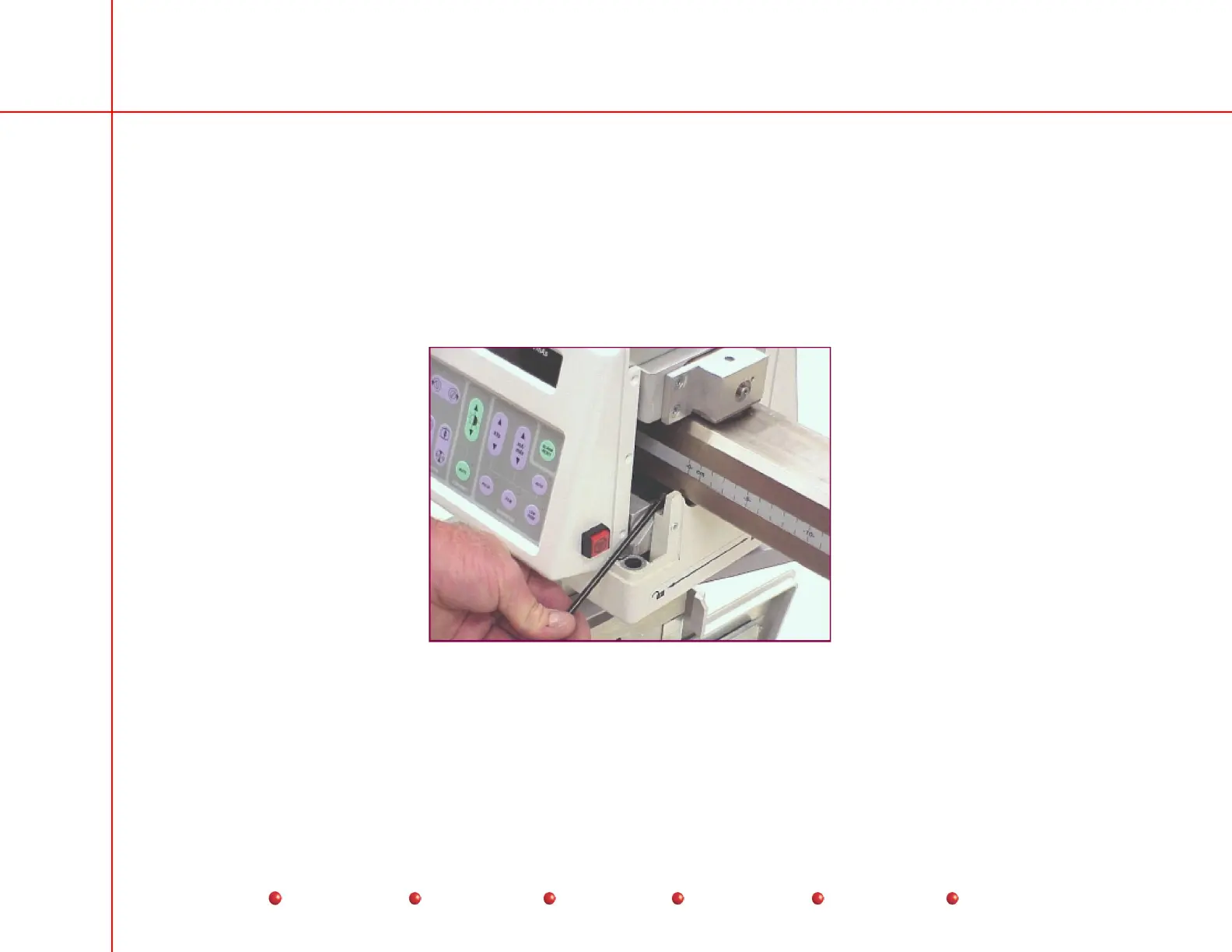
3. Remove the mechanical stop (hex bolt ) from the Cross-Arm as shown next.
Cross Arm Mechanical Stop Removal
4. Use a pin-punch and hammer to punch out the rolled pin that secures the Cross-Arm Handle. The roll pin is located on the
bottom side of the Cross-Arm.
5. Remove the Cross-Arm Handle.
97
Service
Periodic Maintenance
Contents
Schematics
Illustrated Parts
Installation



 To Next Page