Overview
2-38
Service Periodic Maintenance
Contents
Schematics Illustrated PartsInstallation
Touch Screen Graphical Interface
Workstation software includes a comprehensive graphical user interface (GUI) that works with the Touch Screen
hardware described above to allow you to select modes and features by touching a finger to the right-hand display
screen.
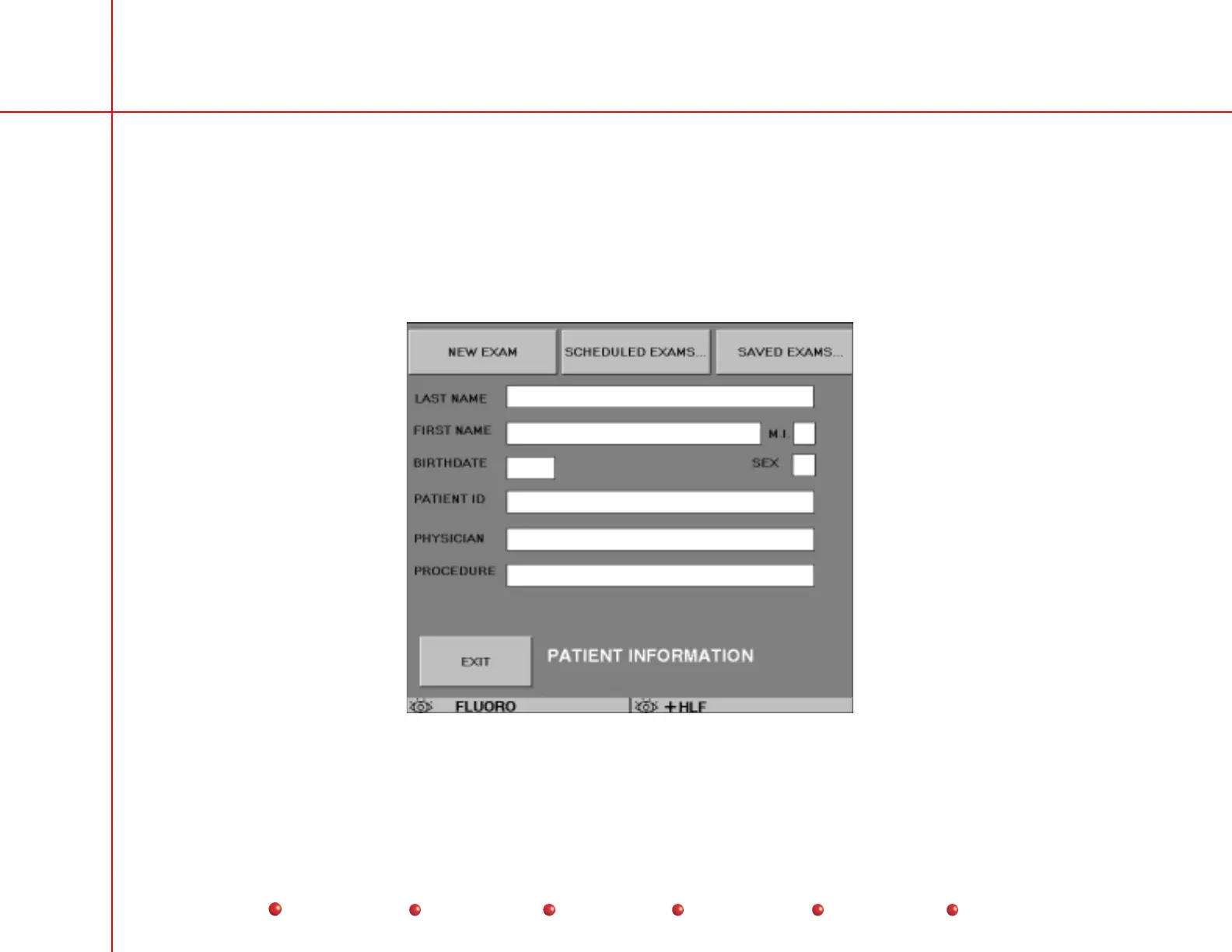
The Patient Information screen, shown below, appears automatically after a successful Workstation boot-up.
Patient Information Screen



 To Next Page