EN-21
System settings
Display System
1. Touch the upper left corner to display main menu.
2. Touch [ Settings ].
The settings menu is displayed.
3. Touch the upper left corner of the screen to exit.
Adjust General Settings
1. Touch [ General ].
2. Touch to select a setting.
3. Touch on the option to display/select an option.
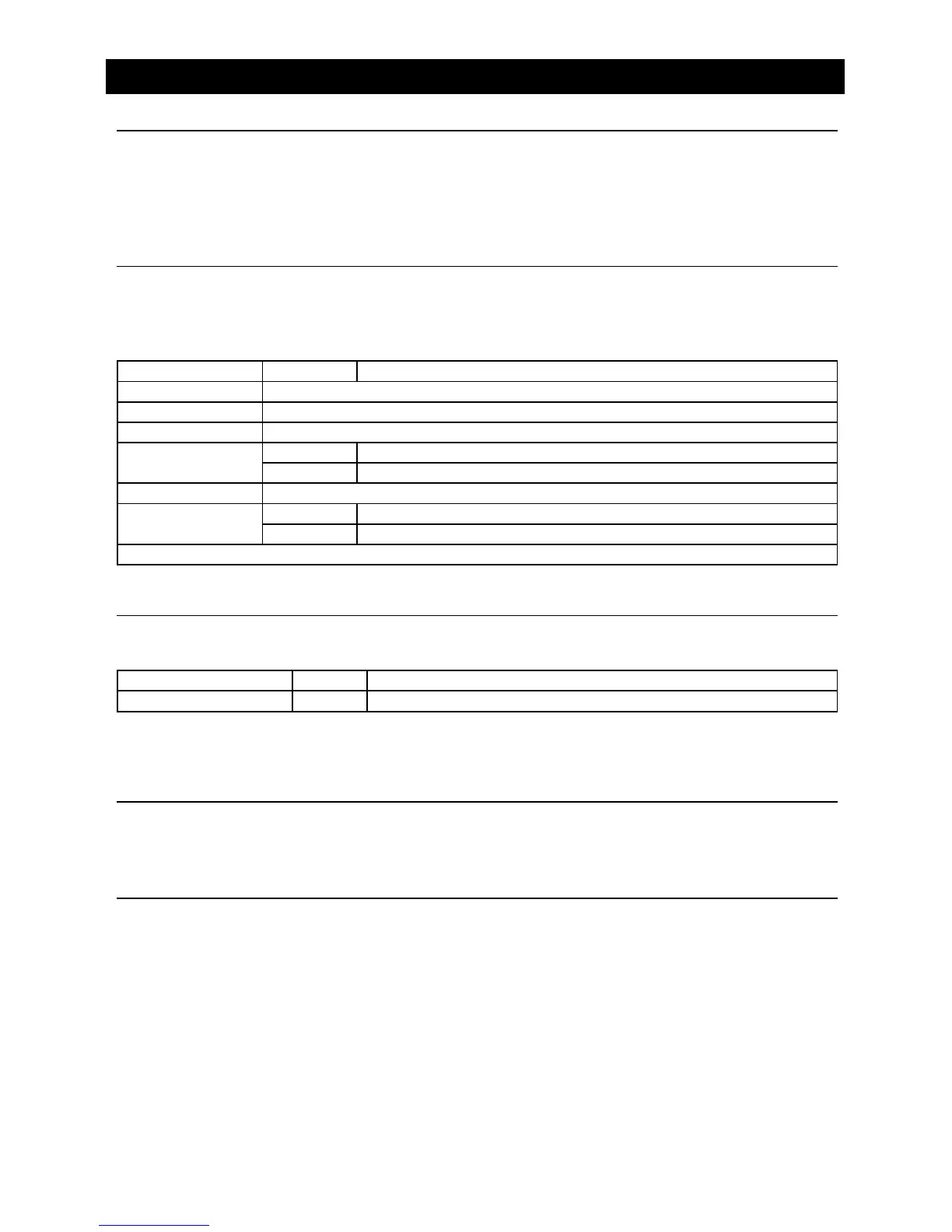
General settings Options Description
Lighting You can select the key color.
Radio region Select one that matches your location.
TV Area Select one that matches your TV area.
Microphone
Internal Internal microphone for Bluetooth calls.
External External microphone for Bluetooth calls.
Blackout Choose screen blackout off, 15s or 30s.
Beep
On Turn on the beep sound. Each time you press a button, the unit beeps.
Off Turn off the beep sound.
Quick gesture operations denition.
Adjust Video Settings
1. Touch [Video].
2. Touch an option repeatedly to select.
Video settings Opciones Descripción
Parking On / Off Disable video / Enable video.
When in Park “On” mode, the screen will display WARNING information if you play the video. The
warning screen will prevent the driver from watching videos for safety.
Adjust Time Settings
1. Touch [ Time ].
2. To setup Date & time.
Adjust Volumes Settings
Choose input volume gain of each source.
1. Touch [Volumes].
The volume setting sub-menu is displayed.
2. Touch on a source, to assign value: 0 to 40.
When switching to the source, the volume increases automatically.


 To Next Page