9. Thecamerawillreboottoapplynewsettings.
10. Waituntilrebootingfinishesandcarefullydisconnectthenetworkcablefromthecamera.
11. ConnectyourPCtothewirelessnetworkthecameraisconnectedto.
12. Run‘DeviceManager’andcheckifthecameraappearsinthecameralist.
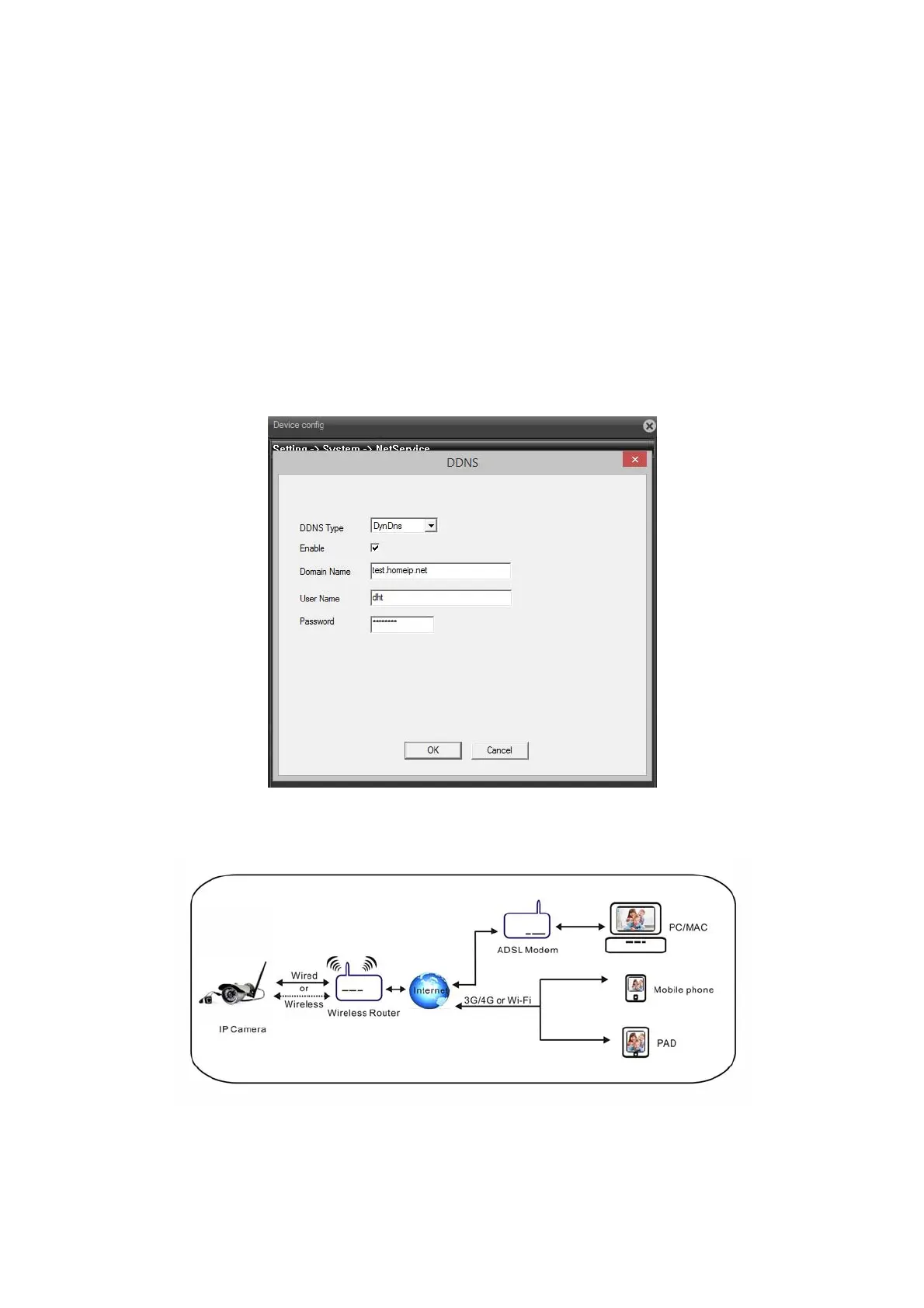
SettingupDDNSService
NOTE:AvalidDDNSaccountisrequiredtosetupDDNSsetting.
1. Clickon‘DDNSservicesettings’
2. SelectaDDNSserverfromthelist.EnterDDNSusernameandpassword.
3. Clickon‘OK’toconfirmthesettings.
4. IfDDNSissetupproperly.Youcanconnecttothecameraviatheinternet.
Settingupemailnotification
Youcansetupyouremailaccountandserverdetailstoreceiveemailnotifications.



 To Next Page