07
How to power on/o & pair?
(Make sure the earbuds and charging case have power.)
Automatically Power on/off & Pairing
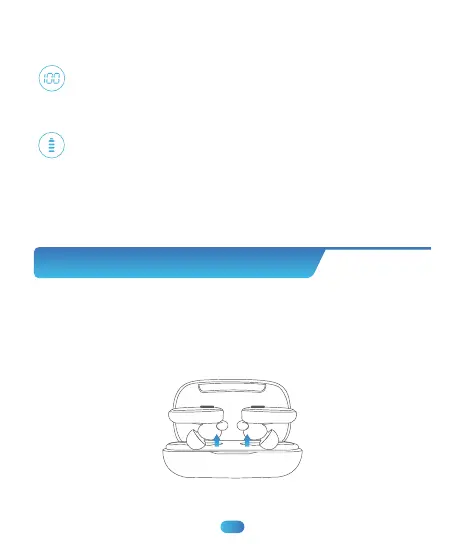
1. Take out earbuds from the charging case, the earbuds will auto power
on and enter pairing mode.
Show the remaining battery percentage of charging case from
0-100. "0" means charging case need charging while "100" means
the charging case is fully charged.
Flash down and up when earbud is charging; Stop flashing
when earbud is fully charged.
LED Power Display
Earbud’s LED light: Red light up means "being charged", Red light
go off means “fully charged".



 To Next Page