Selecting an audio source
Press the button briey to select the audio source of your choice:
Bluetooth*, auxiliary (AUX IN) or USB.
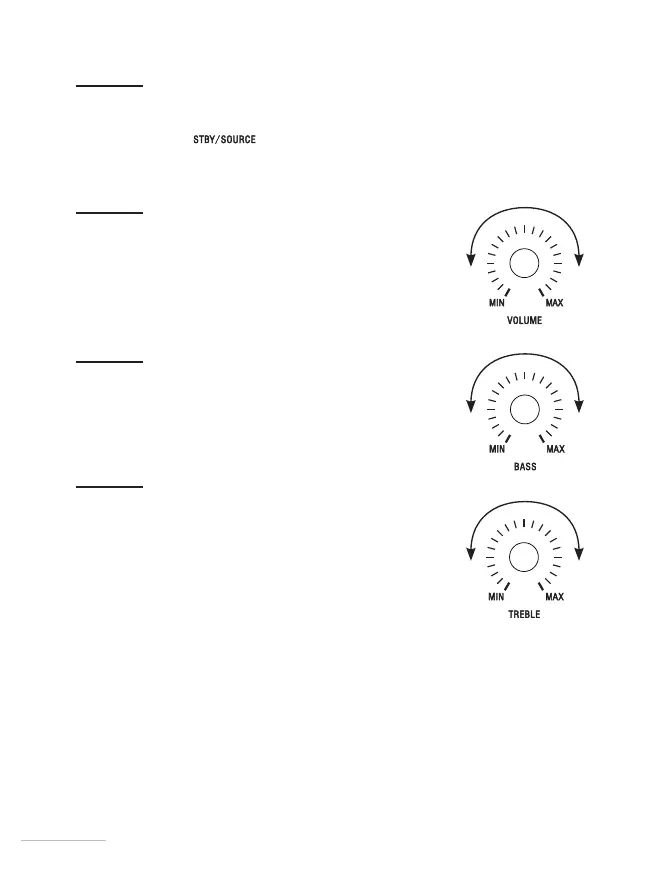
Adjusting the volume
Turn the VOLUME control dial to the left or right to set the
audio to the desired volume.
Adjust the bass level
Turn the BASS control dial to the left or right.
Adjust the treble level
Turn the TREBLE control dial to the left or right.
2424


 To Next Page