EasyManua.ls Logo

OHAUS CW-11 - User Manual

OHAUS CW-11
116 pages
Print Icon
To Next Page IconTo Next Page
Loading...
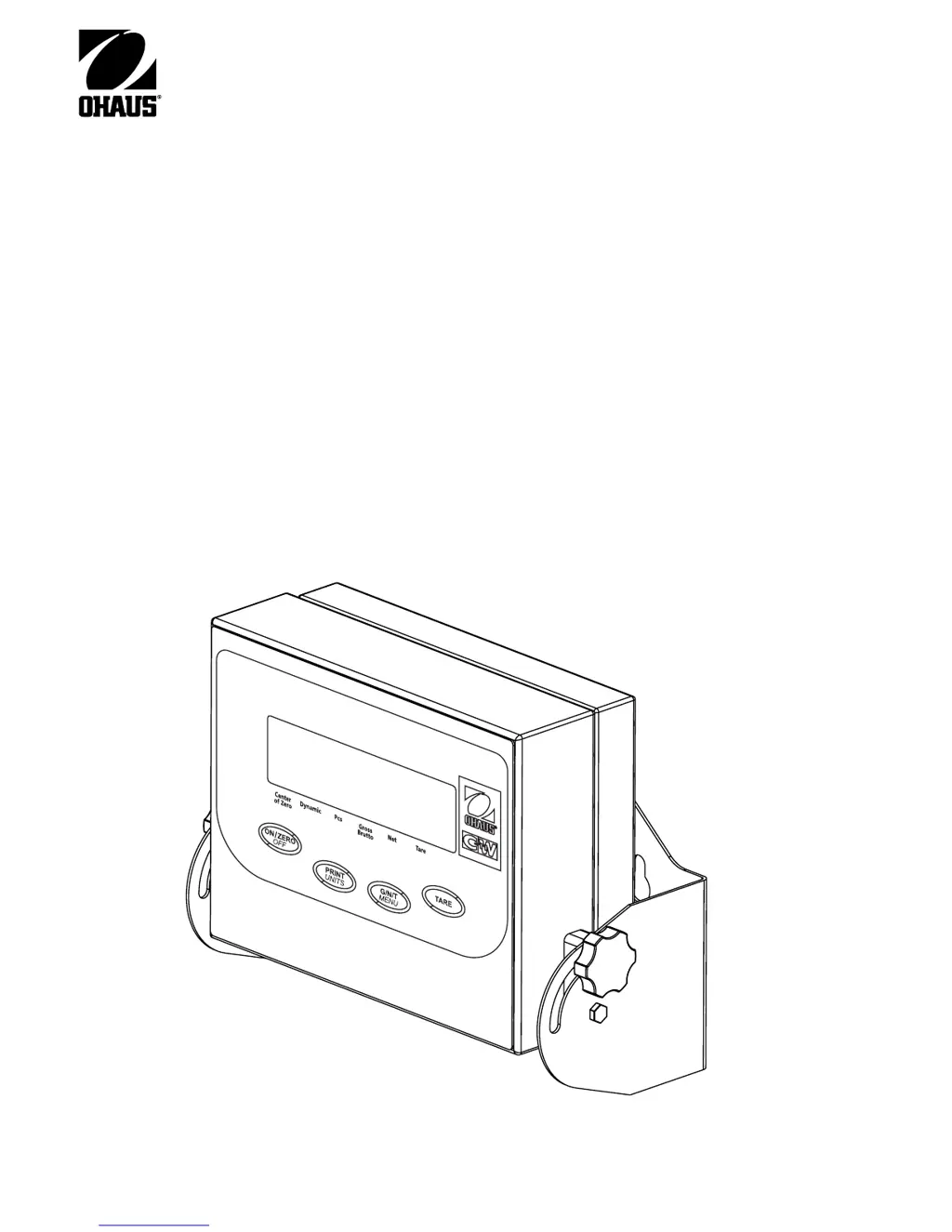
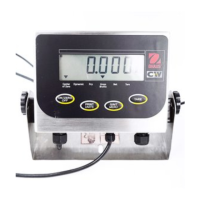
Model CW-11 Indicator
Instruction Manual
Indicador Modelo CW-11
Manual De Instrucciones
Indicateur Modèle CW-11
Manuel De L'utilisateur

Table of Contents

Questions and Answers

  • T
    Travis WagnerJul 31, 2025
    What to do if unable to calibrate OHAUS CW-11 Scales?
    • J
      Jeffrey WilliamsonAug 1, 2025
      If your OHAUS Scales unit cannot be calibrated, first ensure the scale base is properly connected. Then, verify that the SETUP Lockout switch is set to OFF in the LocSW menu and the Jump CAL on the circuit board is set to the short position. Also, make sure you are using the correct calibration mass.
  • D
    Donald RichardsAug 13, 2025
    Why is RS232 not working on OHAUS CW-11 Scales?
    • J
      Joseph HunterAug 14, 2025
      If the RS232 is not working on your OHAUS Scales, first verify the communication parameters are set up correctly. Then, check the cable connections to make sure they are properly connected and not loose.

Summary

Overview of Controls and Indicator Functions

Indicator Controls and Display

Details the function of each button, display segment, and indicator on the CW-11.

Getting to Know Your Indicator

Introduction and Features

Provides an overview of the CW-11 Indicator, its capabilities, and key features.

Installation

Unpacking, Location, and Basic Connections

Covers unpacking, selecting a suitable location, and initial physical connections.

Printed Circuit Board Connections

Details connector locations and terminations for connecting the indicator to the scale base.

Advanced Configuration and Settings

Guides through menu structure, setup, readout, print, and lockout menu configurations.

Calibration and Sealing

Span and Linearity Calibration Procedures

Guides through the processes of span and linearity calibration for accurate weighing.

Geographical Factor and LFT Sealing

Covers setting geographical factors and performing Legal for Trade (LFT) sealing procedures.

Operation

Basic Operation: Power, Zero, Tare, and Units

Instructions for powering on/off, zeroing, taring, and switching measurement units.

Advanced Operation: Counting, Animal Weighing, and RS232

Details parts counting, animal weighing, and RS232 communication features.

Care and Maintenance

Troubleshooting and Error Codes

Lists common symptoms, causes, remedies, and error codes for troubleshooting issues.

Technical Data and Limited Warranty

Provides technical specifications, ambient conditions, and warranty information.

OHAUS CW-11 Specifications

General IconGeneral
InterfaceRS-232
Auto-offYes
Power SupplyAC adapter
Unitslb, oz, g, kg
Tare RangeFull capacity

Related product manuals