v1.0 6
Instructions for Use
Starting a charge session
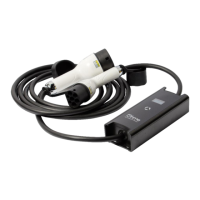
Firstly, connect the Ohme Cable to the power supply socket or the charge point. The Ohme Cable
will automatically initialise, check for faults and initialise and connect to the Ohme cloud service.
Secondly, connect to the vehicle. The vehicle will begin charging. Once the cable has connected to
the Ohme service, a charging profile will be sent to the cable based on your requirements and
preferences.
Stopping a charge session
Disconnect the cable from the vehicle first in the normal way. If required, then remove from the
power supply socket.
Getting the App
Download the smartphone app by searching for “Ohme” from the Android or Apple App Store.


 To Next Page