124
IT
CONFIGURARE LE IMPOSTAZIONI DEL MENÙ
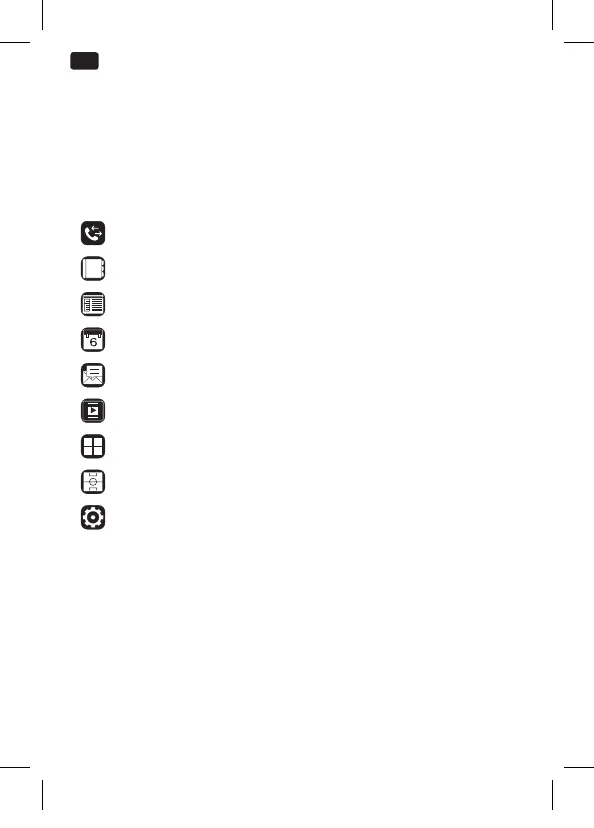
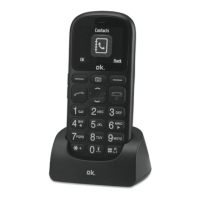
Il menu può essere richiamato premendo il tasto funzione destro
quando appare Menu sul display. Per navigare (su/giù/destra/
sinistra), premere i tasti di navigazione. Per selezionare una voce di
menu, premere il tasto funzione sinistro quando sul display appare
OK . Possono essere selezionate le seguenti voci:
Call log
Contacts
FM radio
Calendar
Messaging
Multimedia
Application
Games
Settings
IM_OMP10_180530_V04_A_HR.indb 124 30/5/18 9:08 am


 To Next Page