29
EN
CONFIGURING MENU SETTINGS
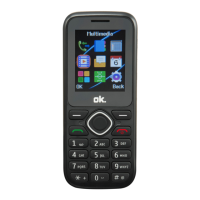
The menu can be called up by pressing the right function key when
Menu appears on the display. To navigate (up/down/right/left),
press the navigation keys. In order to select a menu item, press the
left function key when OK appears on the display. The following
items can be selected below:
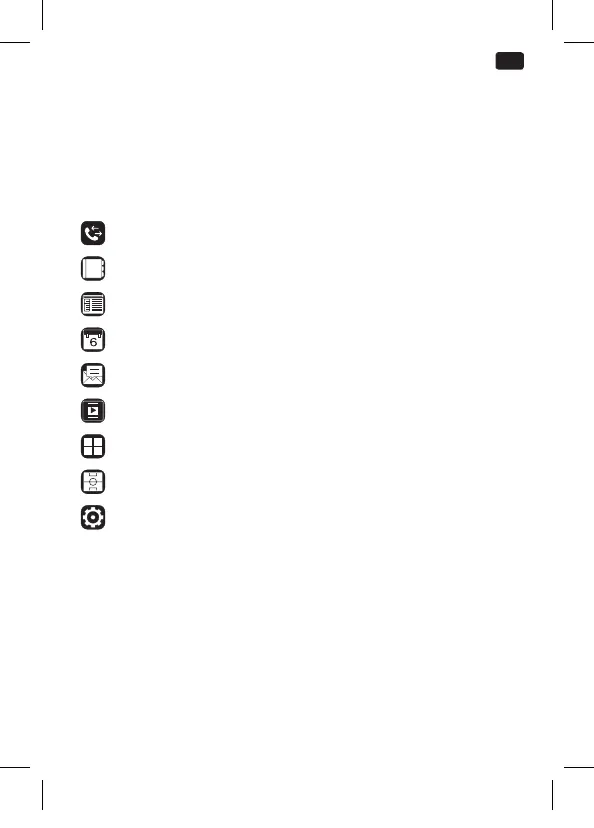
Call log
Contacts
FM radio
Calendar
Messaging
Multimedia
Application
Games
Settings
IM_OMP10_180530_V04_A_HR.indb 29 30/5/18 9:07 am


 To Next Page