33
EN
Multimedia
Multimedia functions
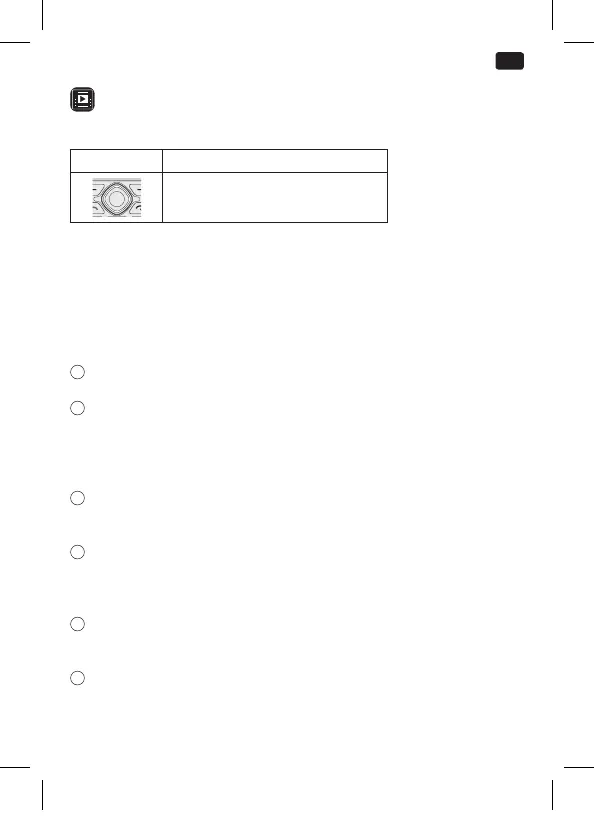
Key/button Function
1
ABC DEF
JKL
TUVPQRS WXYZ
GHI MNO
2 3
4 5 6
7 8 9
0
#
Take photo, start a recording or
video playback
Note:
• The phone has a small built-in memory to save pictures which
can be used as wallpaper in standby menu or as contact photo.
• If you want to make further use of multimedia functions, it is
necessary to insert a micro SD card of up to 32 GB (not supplied)
to save the contents.
1
Camera:
Press button to take pictures when entering camera mode.
2
DV (video recorder):
Press camera button to shoot video when entering camera
mode, then refer to the related menu for other options.
Note: It is necessary to insert micro SD card before shooting
video.
3
Image:
Playback of pictures which are saved on the phone or a micro
SD card.
4
Audio:
Create a folder and name it as you wish in the memory card and
copy some MP3 les in it.
Note: Audio player can playback music from micro SD card.
5
Video:
This function allows to playback videos in “3gp” format which are
saved on the micro SD card (not supplied).
6
Sound recorder:
Allows to make voice recording through the built-in microphone.
IM_OMP10_180530_V04_A_HR.indb 33 30/5/18 9:07 am


 To Next Page