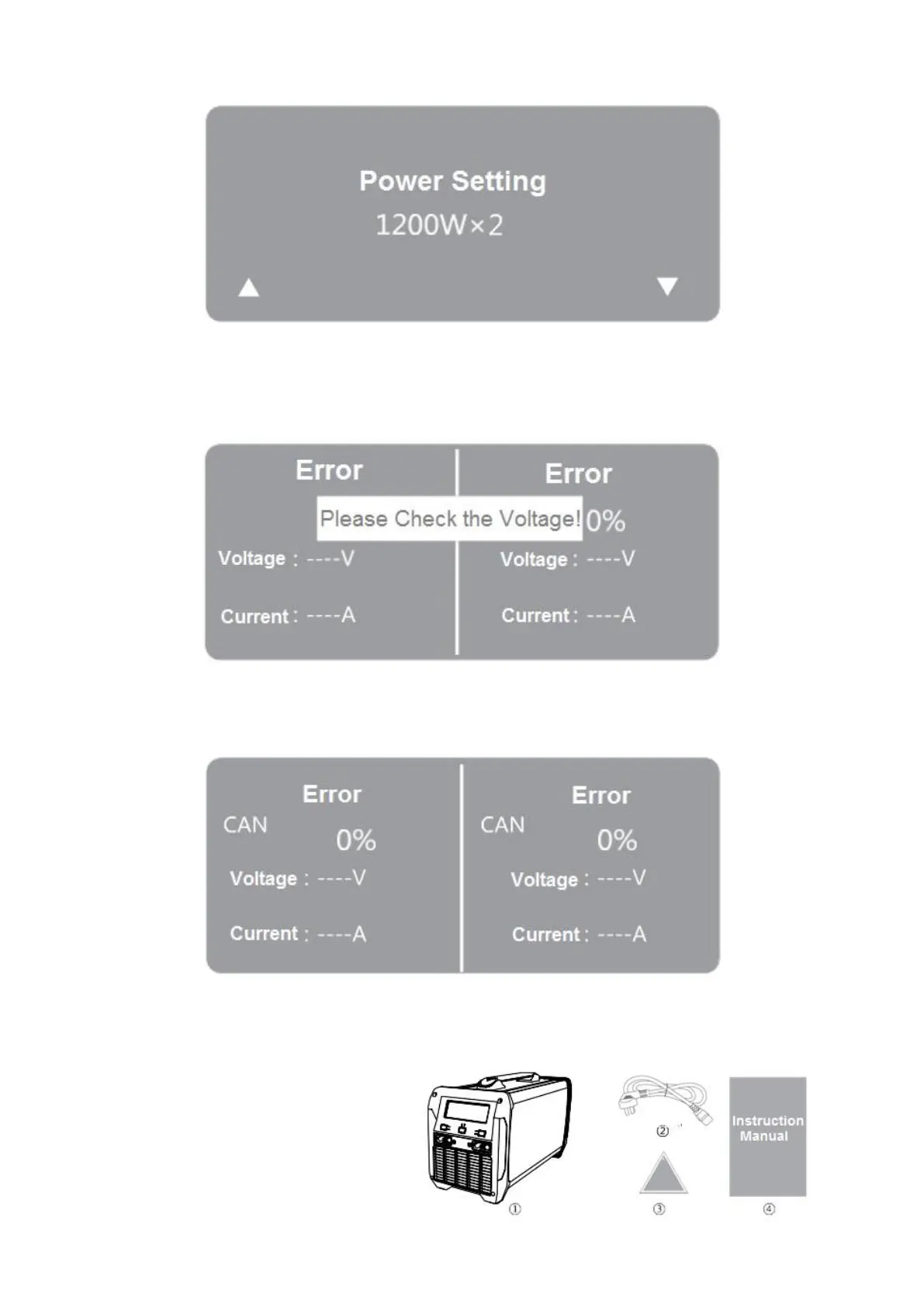
Power Setting Screen
Troubleshooting
1. When the screen shows "Please Check the Power Supply!" it means that the input voltage is
lower than AC90V. Please check whether the input voltage is too low;
2. When the screen shows "CAN Error", it means that the communication between the charger
and the battery stops. Please replace the battery. If this alarm still sound, please call the service
hotline;
Packing List
1. Intelligent Two-way Battery Charger
2. Input power cable
3. Certificate of Conformity
4. Instruction Manual



 To Next Page