11
18
17
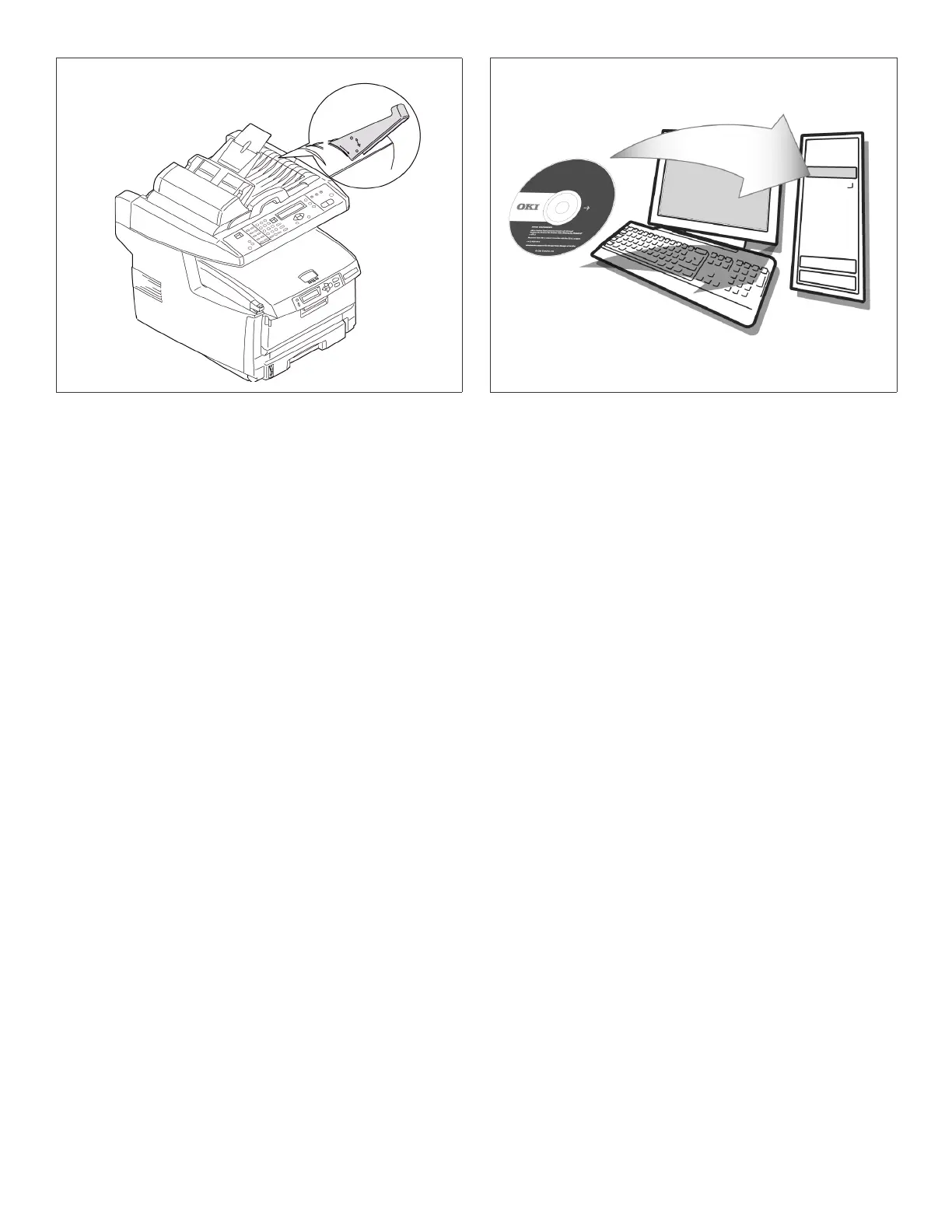
Clip paper stopper on document cover.
Fixez le butoir à papier sur le dessus.
Acople el retén para el papel a la cubierta para
documentos.
Instale a parada de papel na tampa do
documento.
Install printer software.
Installez le logiciel de l’imprimante.
Instale el software de la impresora.
Instale o software.


 To Next Page
 Loading...