To Next Page
M
moorederrickAug 7, 2025
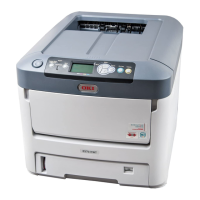
What to do if my Oki C711dtn Printer has a paper jam?
- JJennifer GloverAug 7, 2025
If your Oki Printer has a paper jam, here's what you can do: 1. If the paper is partially out of the printer, gently pull it out. 2. Open the printer's top cover. 3. Check for any visible paper on the belt unit. 4. If the sheet is entering the fuser, separate it from the belt, push the fuser pressure release lever down, and withdraw the sheet through the drum cavity area. Then, allow the pressure release lever to rise again. 5. If the sheet is in the fuser, push the two retaining levers towards the rear of the printer to release the fuser. Withdraw the fuser unit using the handle. Press the release lever and pull the trapped paper from the fuser.
 General