INSTALLING THE PRINT SERVER
OKILAN 6020E PLUS INSTALLATION GUIDE
2
I
NSTALLING
THE
P
RINT
S
ERVER
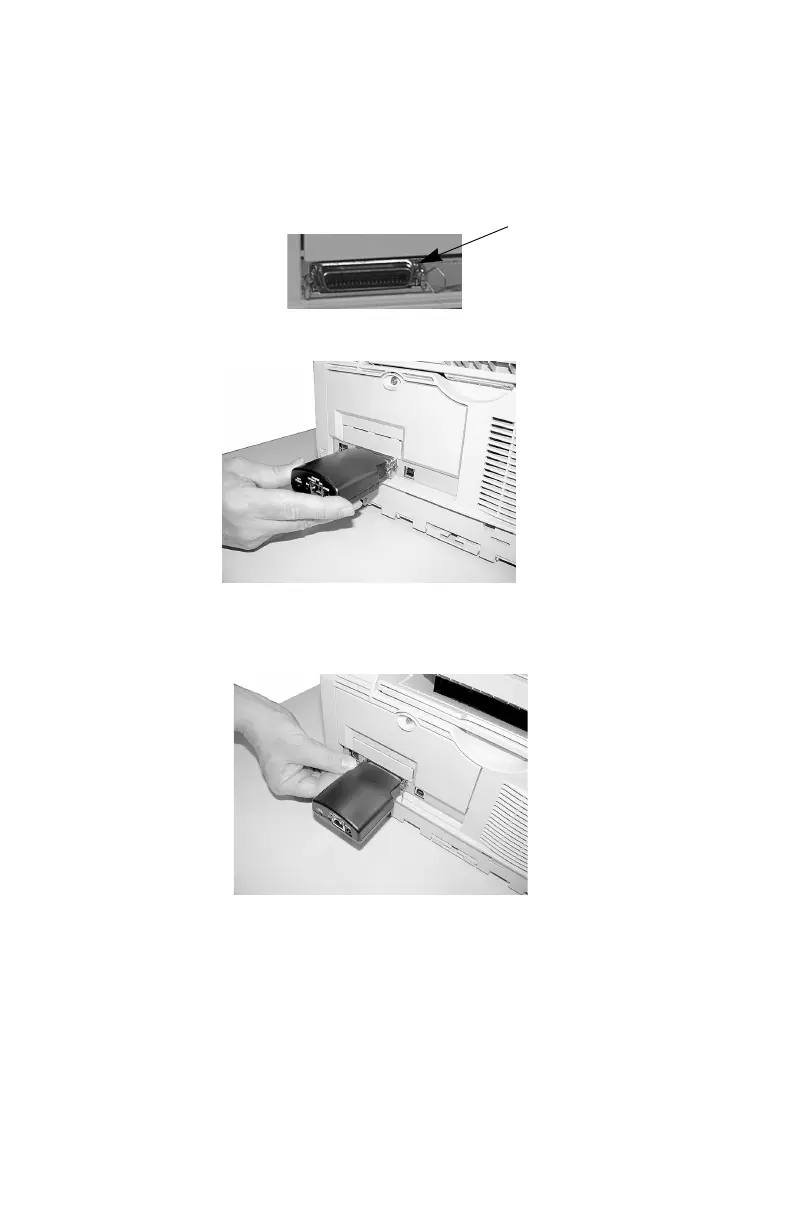
1. Turn off printer power.
2. Attach the print server to the parallel connector on
your printer (1).
3. Secure the print server with the wire clips on the
printer’s conncector.
4. Plug the power adapter cord into the power jack on
the print server. Then plug the power adapter into a
120 VAC outlet
1



 To Next Page