Apple Macintosh 100
1. To switch AppleTalk on, open [System Preferences], click
[Network] then click [AppleTalk].
2. Check the [Make AppleTalk Active] check box and if your network
uses AppleTalk Zones, enter the appropriate zone information
and click [Apply Now].
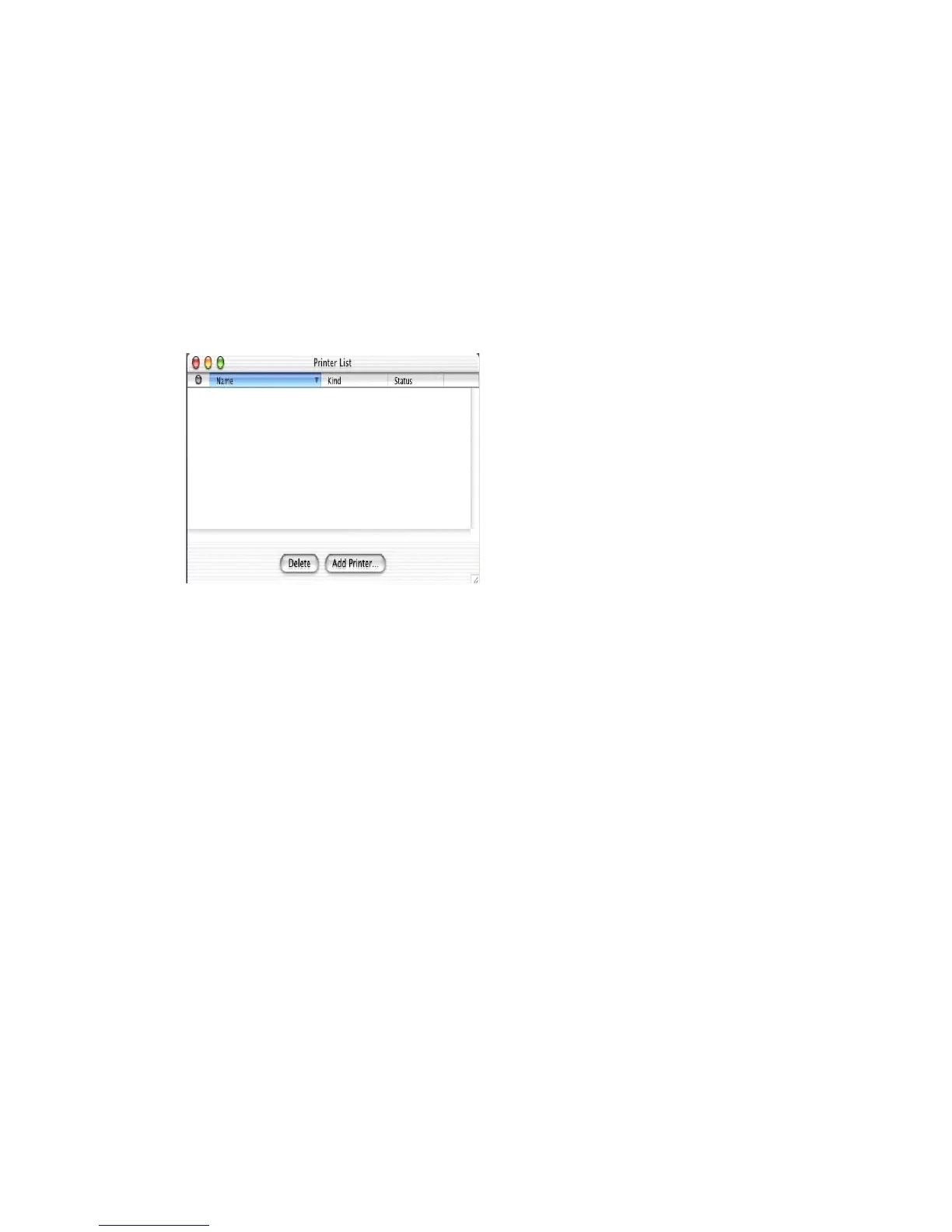
In Mac OS X you use the Print Centre to select network printers, not
the Chooser.
Before you can use a printer it must appear in the printer list in Print
Centre.
3. Click on [Add Printer], make sure that the connection method is
LPR and assign its IP address.
4. Either assign a queue name or check to use the default queue on
server checkbox.
5. Under Printer Model select from the list the PPD file that you
installed earlier for the printer and click [Add].
These are all the steps that are necessary to setup the OkiLAN 8100e
for network printing in Macintosh OS X.



 To Next Page