OkiLAN 8100e Configuration 12
Interface
Select [Start]-[Programs]-[OKI Setup Utility]-[Admin Manager].
File menu
In the [File] menu, the following item can be selected:
Status Menu
In the [Status] menu, the following items can be selected:
Item Function
Search Search printers in your network and list all printers that have
the OkiLAN 7100e, 7100e+, 7200e, 7300e and 8100e
installed.
Item Function
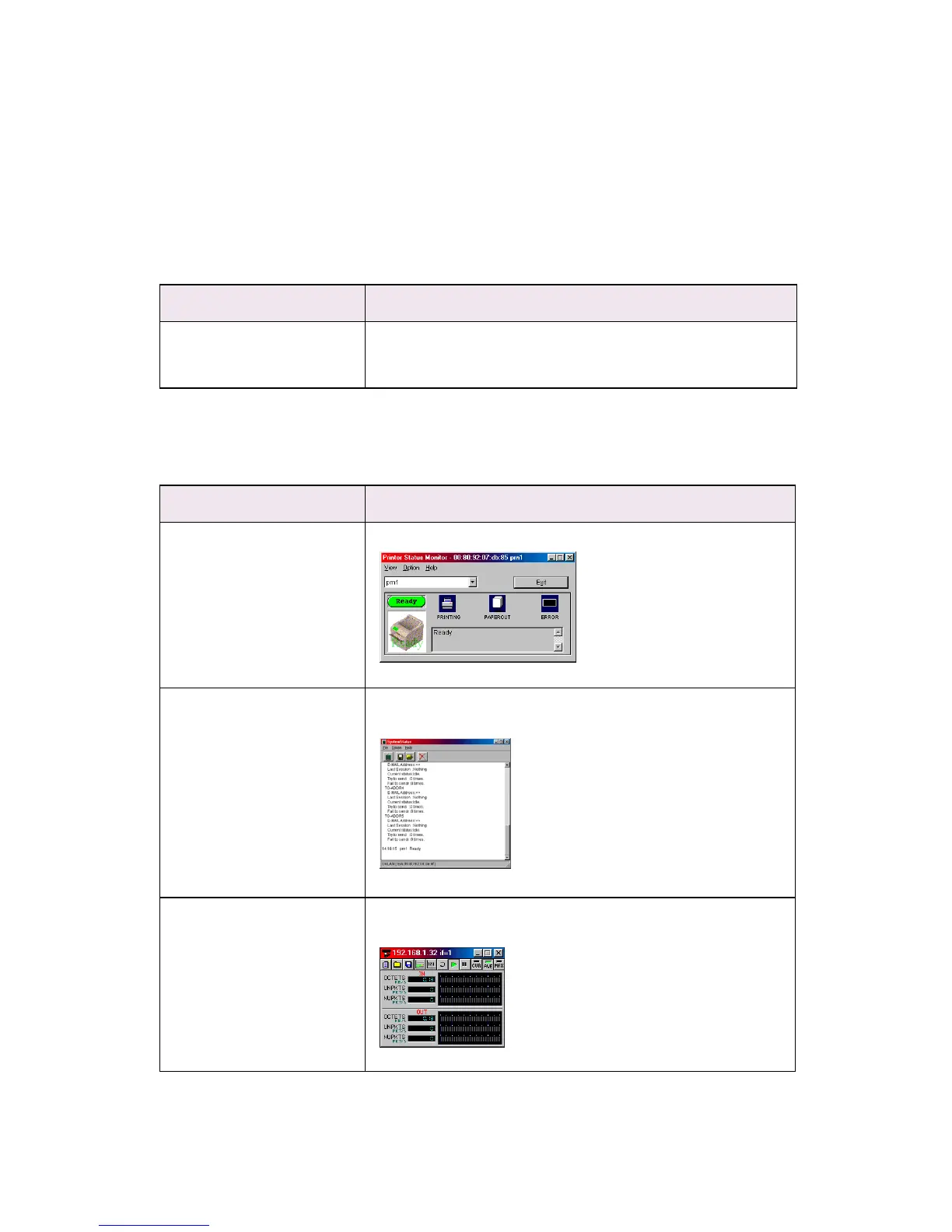
Printer Status Current printer status is displayed:
System Status Displays current OkiLAN 8100e configuration. Configuration
data can be saved as log file.
NetMeter Display current network status. For further information, see
on-line help file of NetMeter.



 To Next Page