OkiLAN 8100e Configuration 19
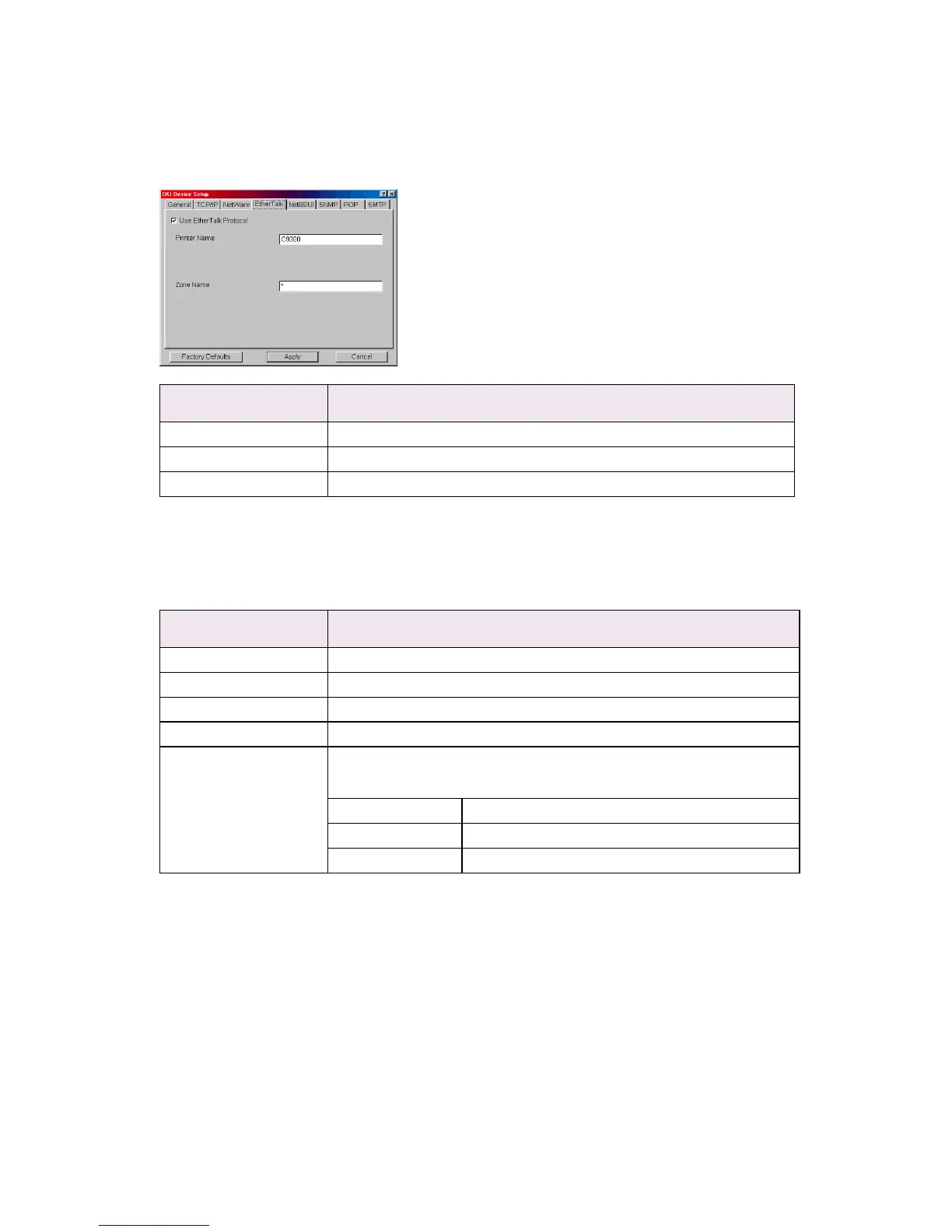
EtherTalk Tab
This allows you to configure EtherTalk related items
NetBEUI Tab
This allows you to configure NetBEUI related items.
Location Comments
Use EtherTalk Protocol Set EtherTalk protocol to enabled/disabled.
Printer Name Set EtherTalk Printer object name.
Zone Name Set the zone name to which the OkiLAN 8100e belongs.
Location Comments
Use NetBEUI Protocol Set NetBEUI protocol to enabled/disabled.
Computer Name Set a computer name for the OkiLAN 8100e.
Workgroup Set a work group name to which the OkiLAN 8100e belongs.
Comment Set the comments for the OkiLAN 8100e.
WINS Server ... Configure items related to the WINS Server.
In this dialogue box, the following items can be configured:
Primary Server Set WINS Primary server.
Secondary Server Set WINS Secondary server.
Scope ID Set a Scope ID.



 To Next Page