OkiLAN 8100e Configuration 17
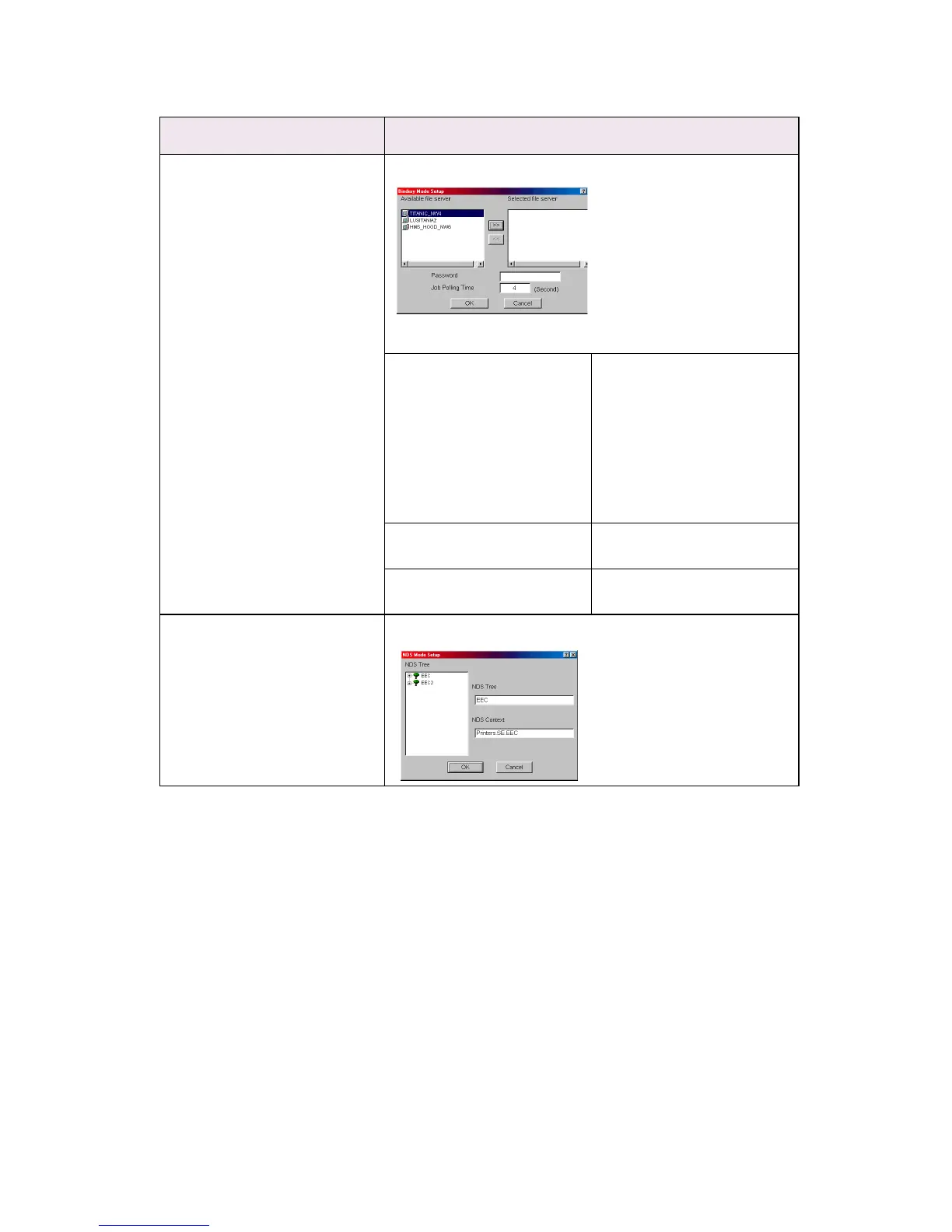
Bindery Setup Configure items related to Bindery mode.
In this dialogue box, the following items can be configured.
Available File Server and
Selected File Server.
Select file servers to
connect. Up to eight file-
servers can be selected.
Select a server from
Available file server list and
click >> button. The server is
copied to Selected file
server box.
Password. Set password for Print
Server.
Job Polling Time. Set print job polling interval
in seconds.
Set NDS tree and context where Print Server was created.
NDS Setup
Location Comments



 To Next Page