OkiLAN 8100e Configuration 21
Printer Trap
Setup . . .
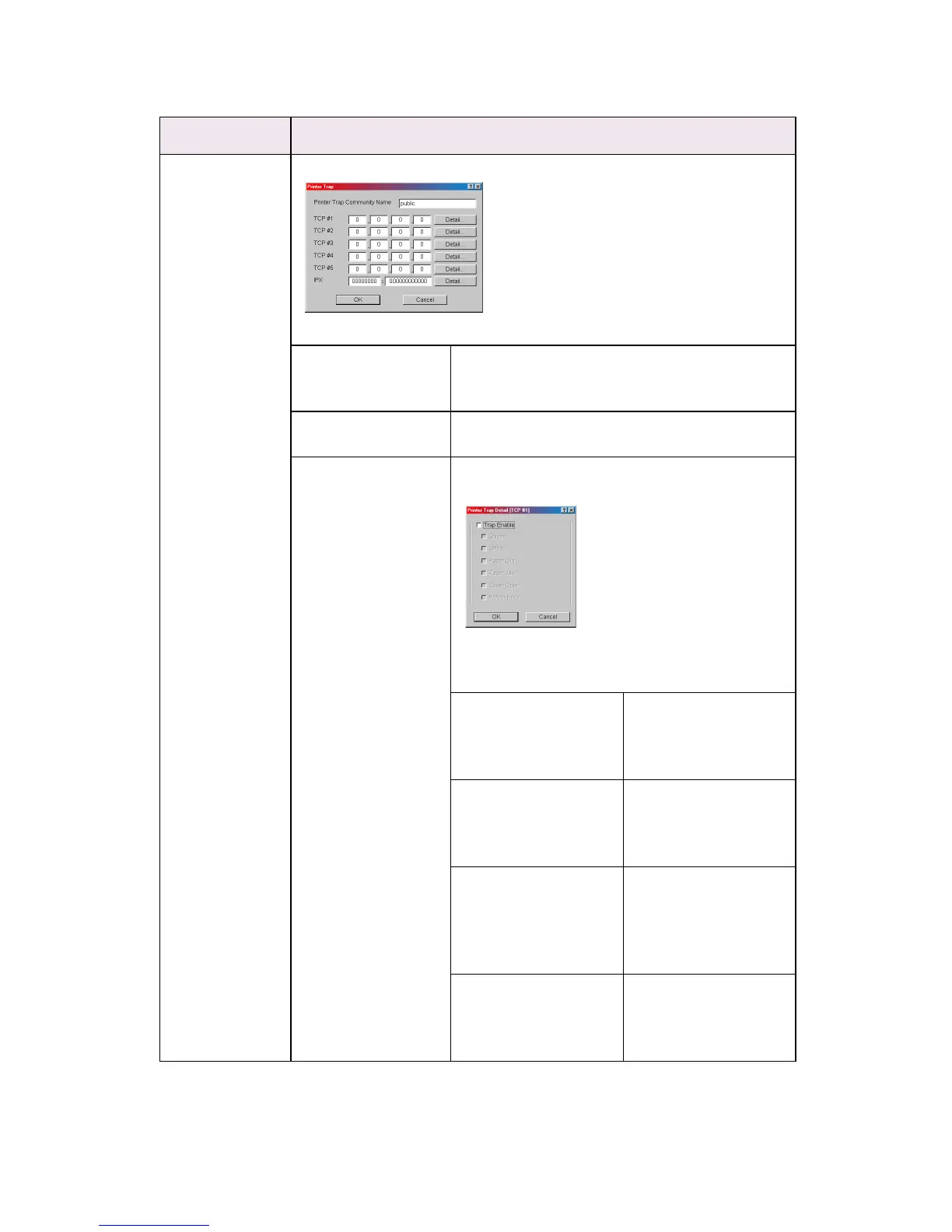
By selecting the button, the following dialogue box is displayed:
In the dialogue box, the following items can be configured:
Printer Trap
Community Name
This community name is assigned to outgoing
printer status traps such as off-line, paper out,
etc.
TCP#1—5 Set the IP address to which a Trap packet will be
sent. You can set up to five IP addresses.
Detail . . . By selecting the button, the following dialogue
box is displayed:
In the dialogue box, the following items can be
configured:
Trap Enable Set sending a Trap
packet, enabled or
disabled, for each
destination.
Printer Reboot Set sending a Trap
packet, enabled or
disabled, when the
printer is rebooted.
Receive Illegal Set sending a Trap
packet, enabled or
disabled, when the
printer receives an
illegal Trap packet.
On-line Set sending a Trap,
enabled or disabled,
when the printer turns
to ON-LINE.
Location Comments



 To Next Page