3
4K AI Auto Framing Webcam Quick Start Guide
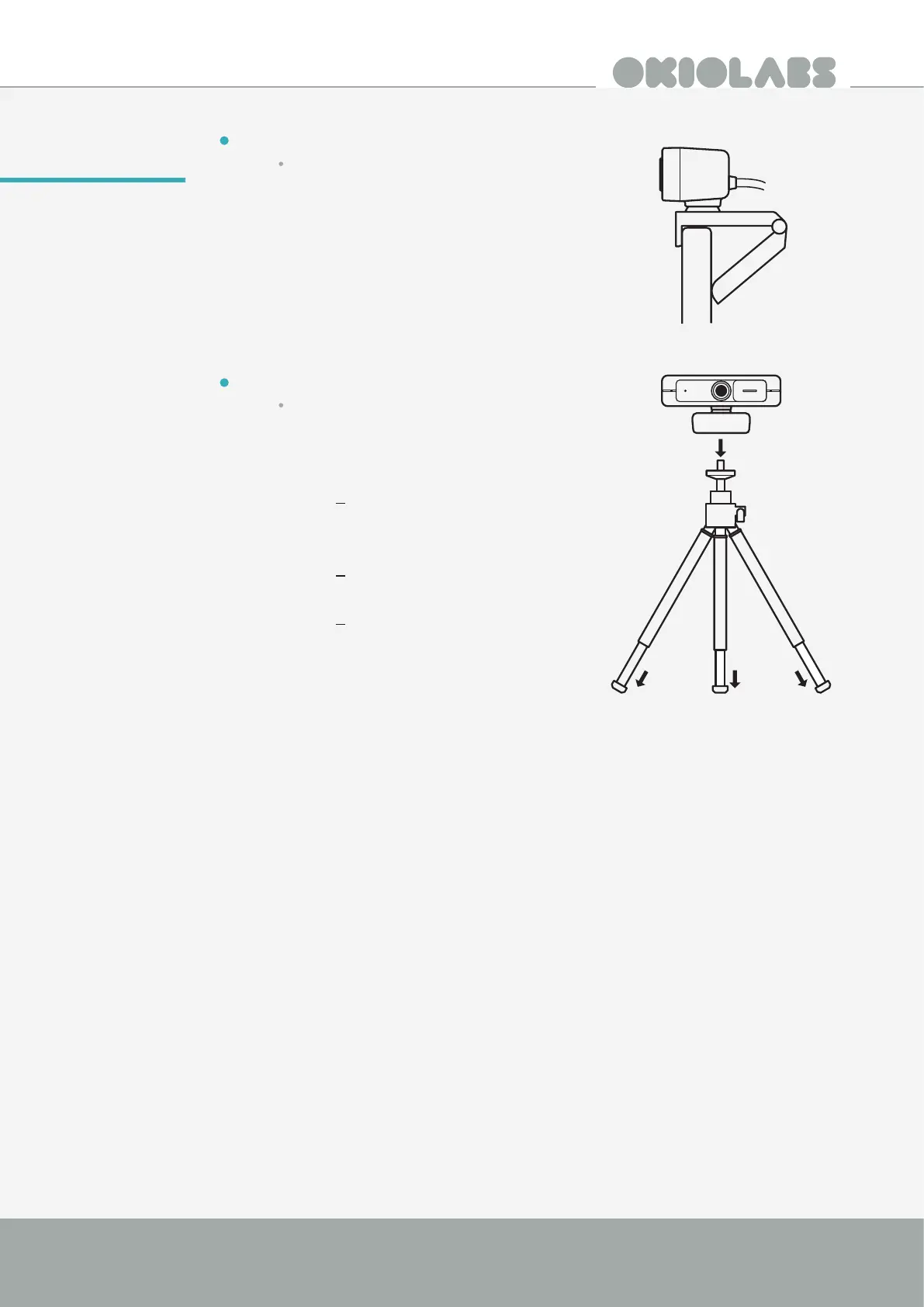
Option A: With Laptop/Monitor
Unfold the clip and place the webcam on
the top of your monitor or laptop screen.
Secure the OKIOLABS A10 by adjusting
the clip to press against the back of your
device.
Option B: With Tripod
Fold the clip in and mount the webcam
onto a tripod with the ¼ inch standard
tripod thread. (Tripod is included with
the purchase of OKIOLABS A10.)
The tripod extends by twisting
and pulling on the end of each
leg.
The unextended tripod has a
height of 5.7in/14.5cm.
The extended tripod has a height
of 8in/20cm.
Setting-Up



 To Next Page