14
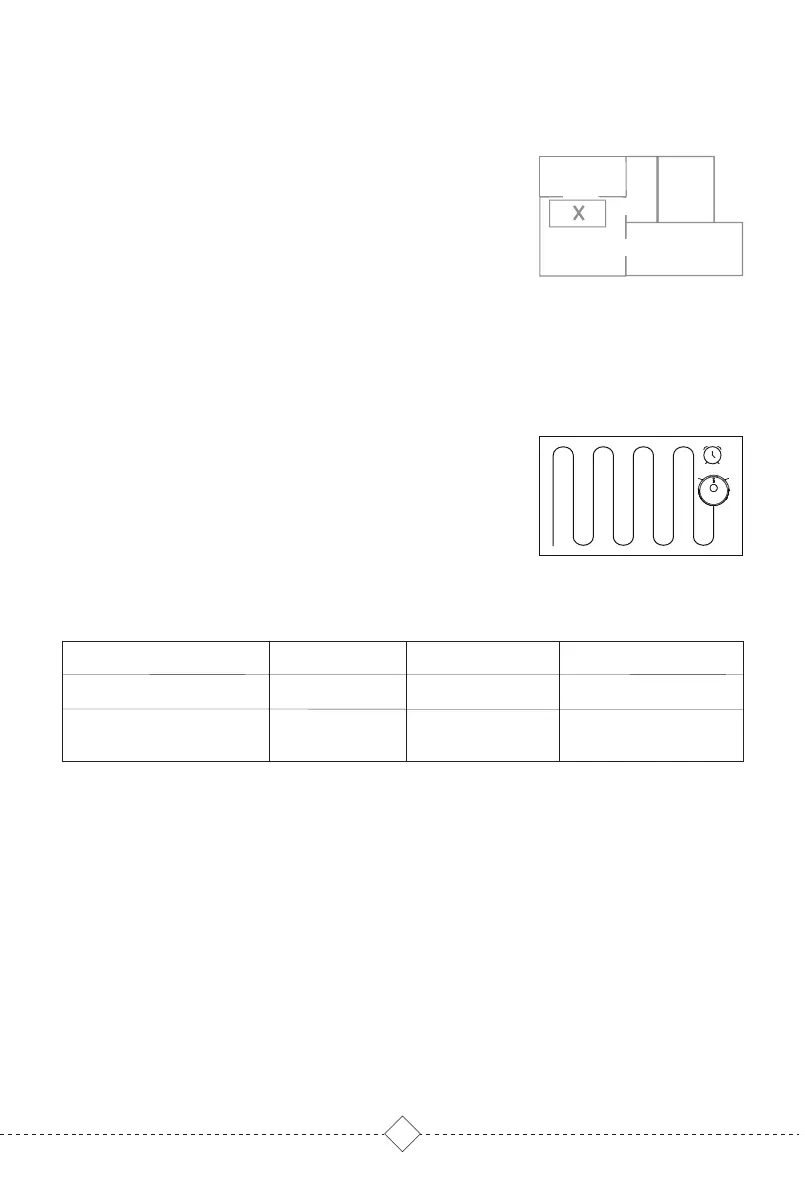
No-Go Zones, No-Mop Zones and virtual Wall are to
prevent robot from access certain areas and rooms.
By default, No-Mop Zones will be activate only when
Mop holder is in place.
A
B
C
D
Set cleaning schedules in App. Robot will clean at
defined times and return to self-empty Base when
finished.
Tips:
Robot will not clean as scheduled when in low battery.
Real-Time Map View
Cleaning mode settings
Maintenance Schedule
Carpet Mode
Cleaning History
Remote Mode
Remaining Power
Voice settings
................
Positioning Robot
Firmware Updates
Do Not Disturb
(DND) mode
Restricted Area
Scheduled cleaning
More Functions.
Tips:
1.Restricted areas can be created on a saved or build-ing map.
2.Restricted Areas can only be used to customize cleaning area and not
to isolate hazards.
3.Moving the robot or obvious changes of house environment may
cause the map to become invalid, and the restricted area may be lost.



 To Next Page