EasyManua.ls Logo

Okuma OSP-U100M - Turning off the Power; Emergency Stop

Okuma OSP-U100M
511 pages
Print Icon
To Next Page IconTo Next Page
To Previous Page IconTo Previous Page
Loading...
4203-E
P-50
SECTION
2
POWER
ON/OFF
OPERATION
2.
Turning
off
the
Power
Procedure:
(1)
Make
sure
that
all
machine
actuators
have
been
stopped.
(2)
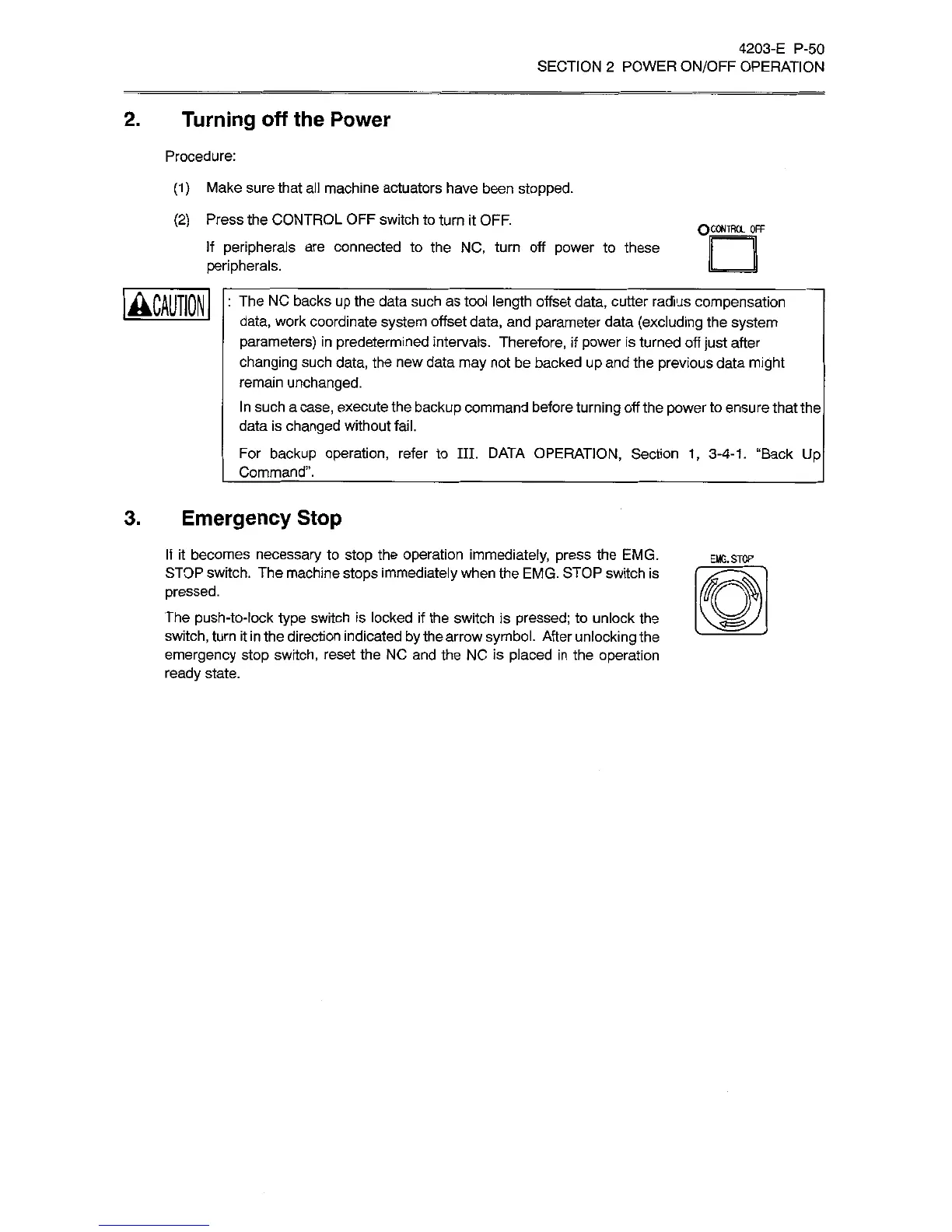
Press
the
CONTROL
OFF
switch
to
turn
it
OFF.
If
peripherals
are
connected
to
the
NC,
turn
off
power
to
these
peripherals.
QCOWTROL
OFF
:
The
NC
backs
up
the
data
such
as
tool
length
offset
data,
cutter
radius
compensation
data,
work
coordinate
system
offset
data,
and
parameter
data
(excluding
the
system
parameters)
in
predetermined
intervals.
Therefore,
if
power
is
turned
off
just
after
changing
such
data,
the
new
data
may
not
be
backed
up
and
the
previous
data
might
remain
unchanged.
In
such
a
case,
execute
the
backup
command
before
turning
off
the
power
to
ensure
that
the
data
is
changed
without
fail.
For
backup
operation,
refer
to
III.
DATA
OPERATION,
Section
1,
3-4-1.
“Back
Up
Command”.
3.
Emergency
Stop
If
it
becomes
necessary
to
stop
the
operation
immediately,
press
the
EMG.
STOP
switch.
The
machine
stops
immediately
when
the
EMG.
STOP
switch
is
pressed.
The
push-to-lock
type
switch
is
locked
if
the
switch
is
pressed;
to
unlock
the
switch,
turn
it
in
the
direction
indicated
by
the
arrow
symbol.
After
unlocking
the
emergency
stop
switch,
reset
the
NC
and
the
NC
is
placed
in
the
operation
ready
state.
EMG.
STOP
rm
s=
e-

Related product manuals