EasyManua.ls Logo

Okuma OSP-U10M - Page 61

Okuma OSP-U10M
511 pages
Print Icon
To Next Page IconTo Next Page
To Previous Page IconTo Previous Page
Loading...
4203-E
P-41
SECTION
1
OPERATION
2-5.
Controls
on
Machine
Operation
Panel
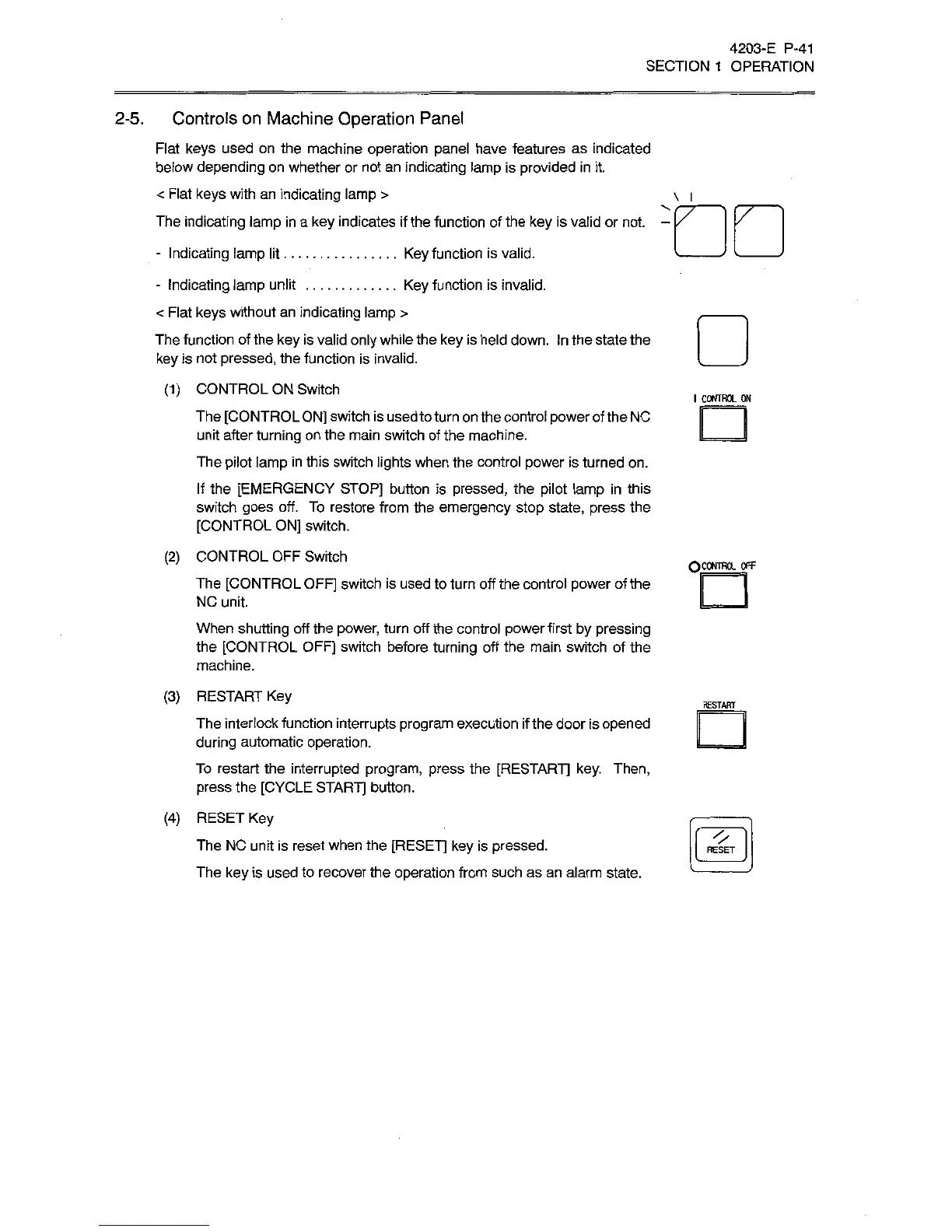
Flat
keys
used
on
the
machine
operation
panel
have
features
as
indicated
below
depending
on
whether
or
not
an
indicating
lamp
is
provided
in
it.
<
Flat
keys
with
an
indicating
lamp
>
The
indicating
lamp
in
a
key
indicates
if
the
function
of
the
key
is
valid
or
not.
Key
function
is
valid.
Key
function
is
invalid.
\
l
-
Indicating
lamp
lit
..
-
Indicating
lamp
unlit
<
Flat
keys
without
an
indicating
lamp
>
The
function
of
the
key
is
valid
only
while
the
key
is
held
down.
In
the
state
the
key
is
not
pressed,
the
function
is
invalid.
(1)
CONTROL
ON
Switch
The
[CONTROL
ON]
switch
is
used
to
turn
on
the
control
power
of
the
NC
unit
after
turning
on
the
main
switch
of
the
machine.
The
pilot
lamp
in
this
switch
lights
when
the
control
power
is
turned
on.
If
the
[EMERGENCY
STOP]
button
is
pressed,
the
pilot
lamp
in
this
switch
goes
off.
To
restore
from
the
emergency
stop
state,
press
the
[CONTROL
ON]
switch.
(2)
CONTROL
OFF
Switch
The
[CONTROL
OFF]
switch
is
used
to
turn
off
the
control
power
of
the
NC
unit.
When
shutting
off
the
power,
turn
off
the
control
power
first
by
pressing
the
[CONTROL
OFF]
switch
before
turning
off
the
main
switch
of
the
machine.
I
CONTROL
ON
QCONTROL
Off
(3)
RESTART
Key
The
interlock
function
interrupts
program
execution
if
the
door
is
opened
during
automatic
operation.
To
restart
the
interrupted
program,
press
the
[RESTART]
key.
Then,
press
the
[CYCLE
START]
button.
(4)
RESET
Key
The
NC
unit
is
reset
when
the
[RESET]
key
is
pressed.
The
key
is
used
to
recover
the
operation
from
such
as
an
alarm
state.
RESTART
RESET

Related product manuals