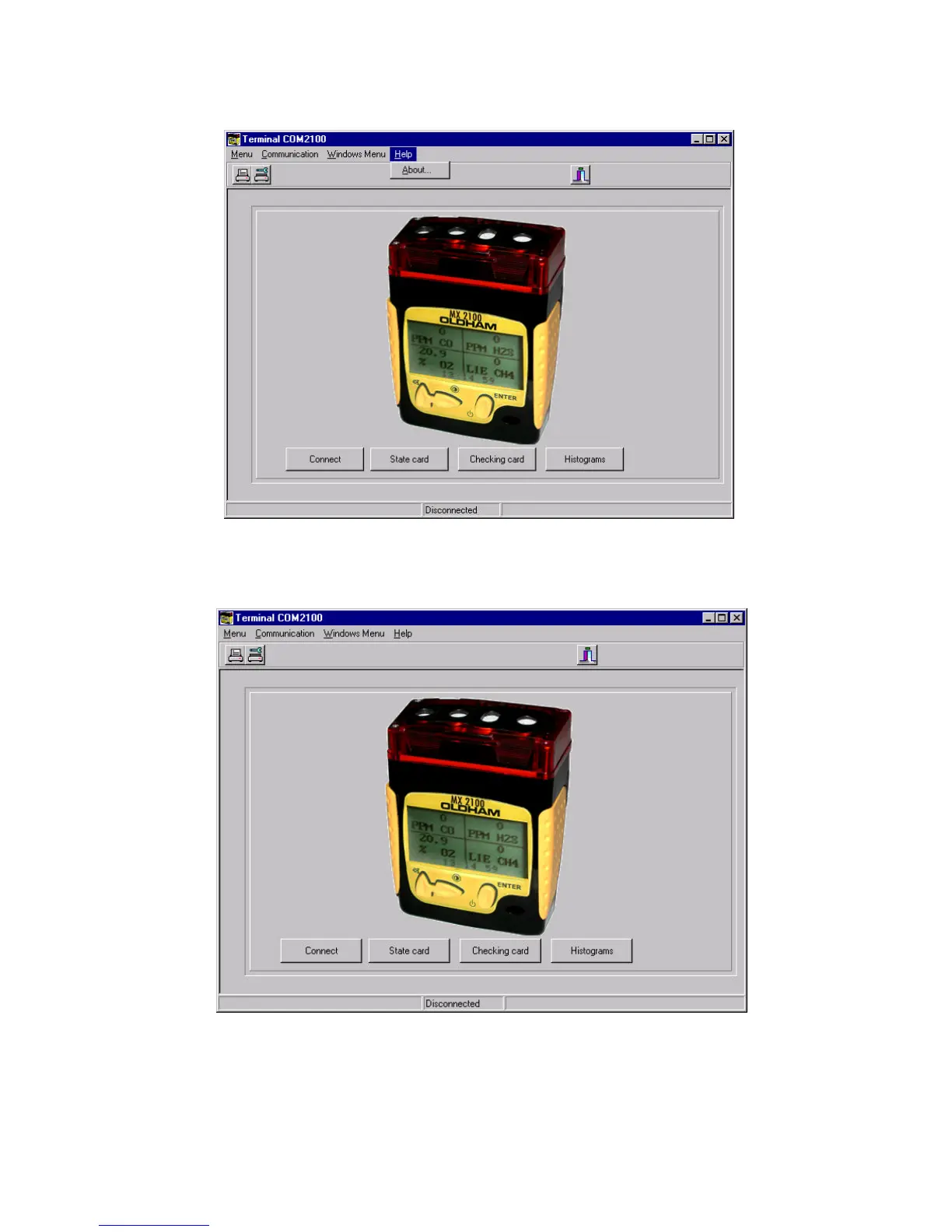
"Aide" (Help) screen
This provides the user with help in the event of problems with operation, consultation or display.
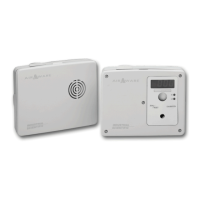
MX 2100 connection
When the MX 2100 is correctly connected to a computer by an infrared cord, this screen can be used to validate
communication by looking on the "Connect" window.
- Status sheet: to view and save the configuration of the MX 2100 connected.
- Check sheet: to view and save the status of the connected MX 2100, after tests and adjustments.
- Histories: to view and save measurements made and stored in memory by the MX 2100.


 To Next Page