9
9
.
.
"
"
T
T
W
W
I
I
N
N
C
C
A
A
L
L
L
L
"
"
C
C
A
A
L
L
I
I
B
B
R
R
A
A
T
T
I
I
O
O
N
N
S
S
T
T
A
A
T
T
I
I
O
O
N
N
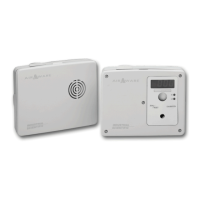
Checking and maintenance of the MX 2100 can be performed using a calibration station. This station consists of an
automatic gas injection system managed by a computer and connected to control devices via the COM 2100 software.
This station can be equipped with one or two gas cylinders depending on the appliance's configuration.
1
1
0
0
.
.
"
"
T
T
W
W
I
I
N
N
C
C
A
A
L
L
L
L
"
"
T
T
E
E
S
S
T
T
B
B
E
E
N
N
C
C
H
H
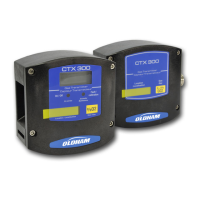
Checking of the MX 2100 can be performed using a testbench which delivers test gases to the MX 2100 in order to
place the channels in alarm status.
The MX 2100 detects the presence of the bench and indicates, on the display unit, the faulty channel or channels where
alarms were not triggered.
This testbench can be equipped with one or two gas cylinders depending on the appliance's configuration.
I
I
I
I
.
.
U
U
T
T
I
I
L
L
I
I
Z
Z
A
A
T
T
I
I
O
O
N
N
1
1
.
.
F
F
U
U
N
N
C
C
T
T
I
I
O
O
N
N
S
S
o
o
f
f
k
k
e
e
y
y
s
s
:
:
a
a
c
c
c
c
e
e
s
s
s
s
i
i
b
b
l
l
e
e
b
b
e
e
l
l
o
o
w
w
t
t
h
h
e
e
d
d
i
i
s
s
p
p
l
l
a
a
y
y
u
u
n
n
i
i
t
t
o
o
n
n
t
t
h
h
e
e
a
a
p
p
p
p
l
l
i
i
a
a
n
n
c
c
e
e
'
'
s
s
f
f
r
r
o
o
n
n
t
t
p
p
a
a
n
n
e
e
l
l
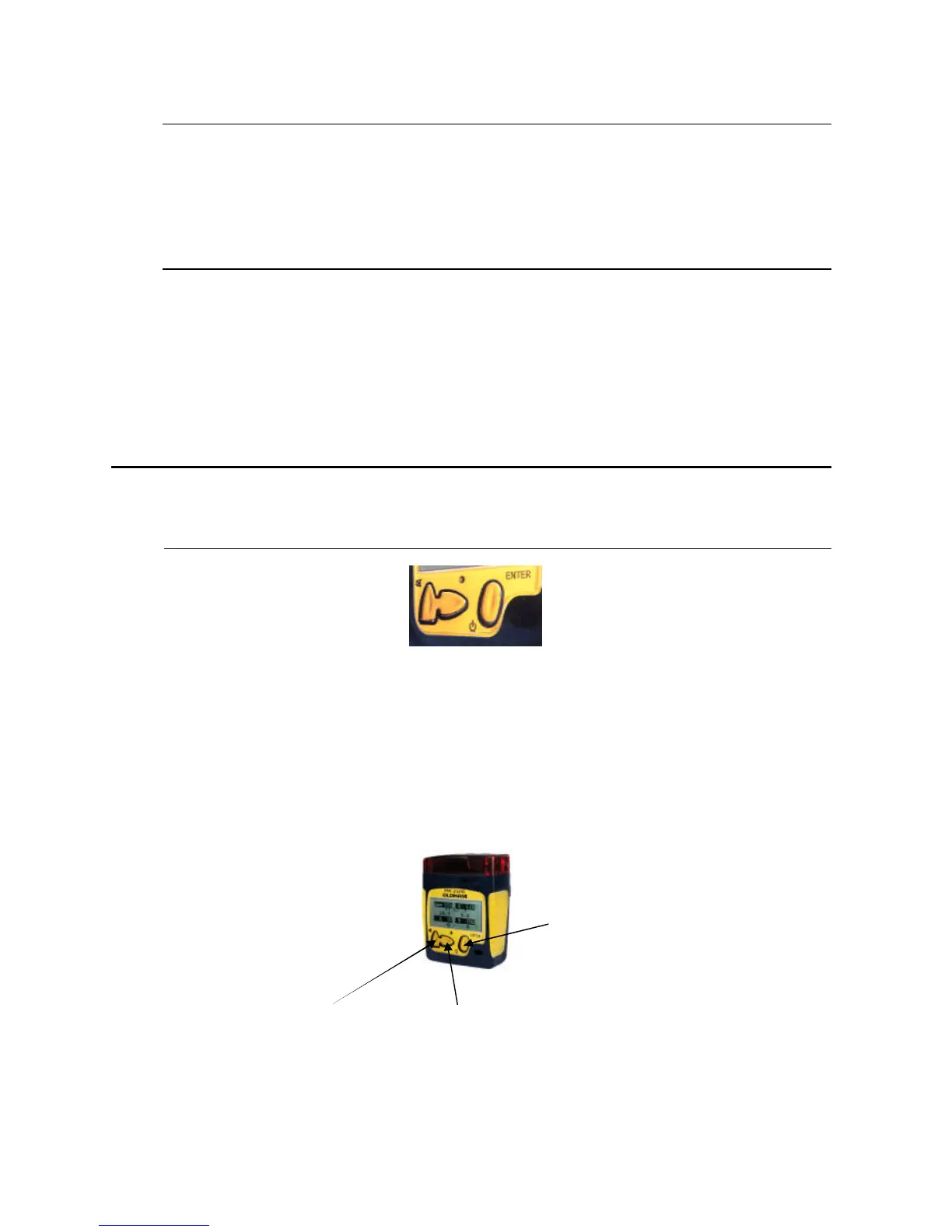
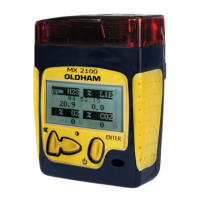
• Switch the appliance ON or OFF.
• Read mode on display unit.
• Acknowledge the gas audio alarm.
• Backlighting of display unit (extinguished automatically after about 15 seconds).
• Scroll through parameters.
• Select menus during utilization phase.
• Access the Maintenance level.
• Validate.
On/Off /Validate


 To Next Page