OSD Menu Setup
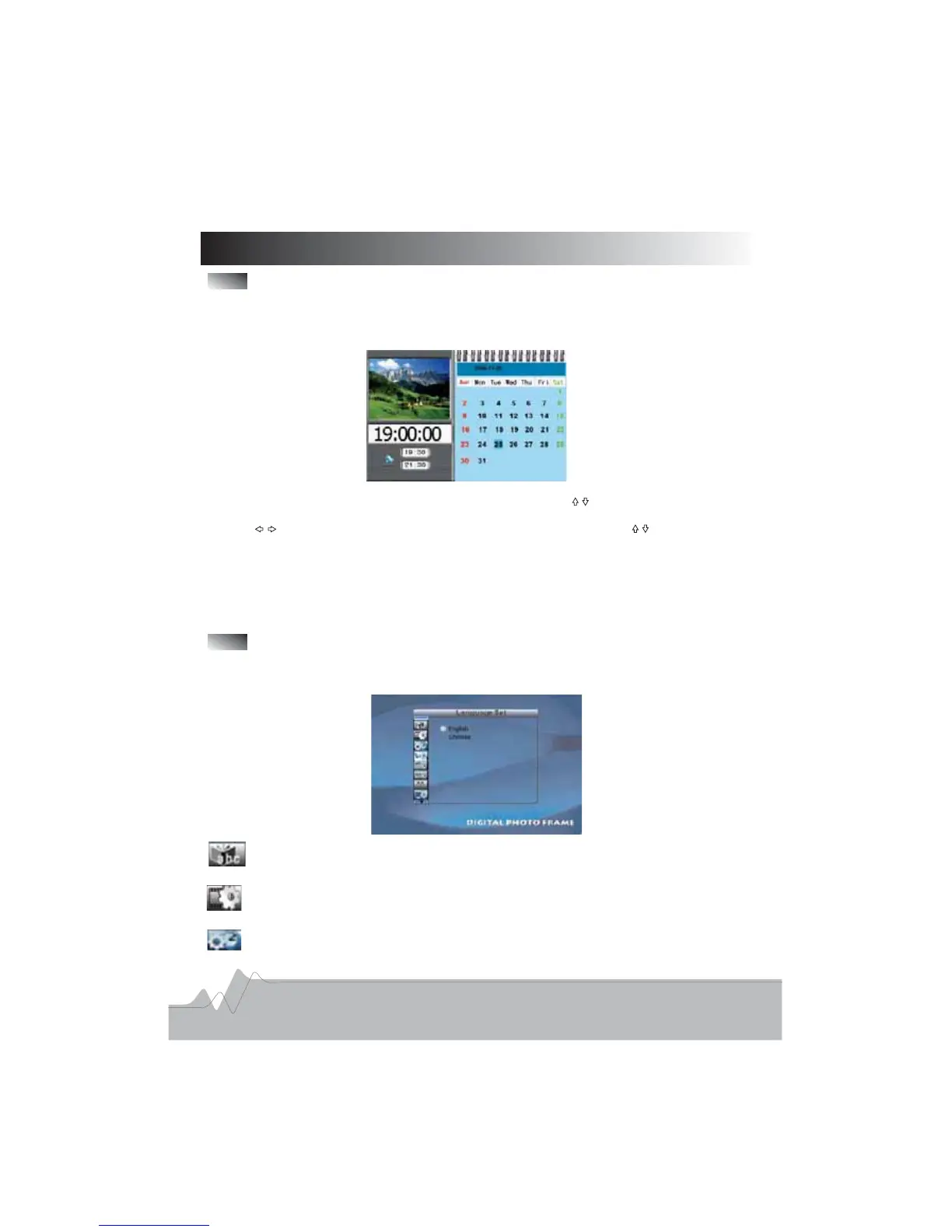
CALENDAR
The frame has a built in Calendar and a Clock To activate the Clock Calendar mode-./,
please following the step below:
..1 Press MENU button on the remote control
.,.2 Choose CALENDAR icon on the main menu the calendar and clock will be displayed
..3 Press SETUP button directly to enter SETUP menu Use direction buttons to select
() .Clock set icon the third icon on the left column and then press ENTER button to enter
4 Use direction button to navigate the setting item and then use buttons to do.
.the settings
. ,5 Press MENU button to back to the main menu and then select CANLENDAR item
,.press ENTER button the player will display the changed time
.6 Follow the same steps as Clock set to do the time settings of the Auto power on or
.off item
Setup
For all the setup options that are described in this chapter please choose the SETUP icon
on the main menu and press ENTER button to confirm
,
.
:- .Language Setup To select different on screen display language
12
Picture Setup To select different slide show mo e and picture playback mode
For slide show mdoe Fast Middle Slow are available for your selection
For playback mode Select different playback mode as Normal Random and so on
: .
:, , .
:,.
d
Clock Setup Setting the time and date here gets reflected in the Calendar menu: .



 To Next Page