8
MAIN MENU
MAIN MENU
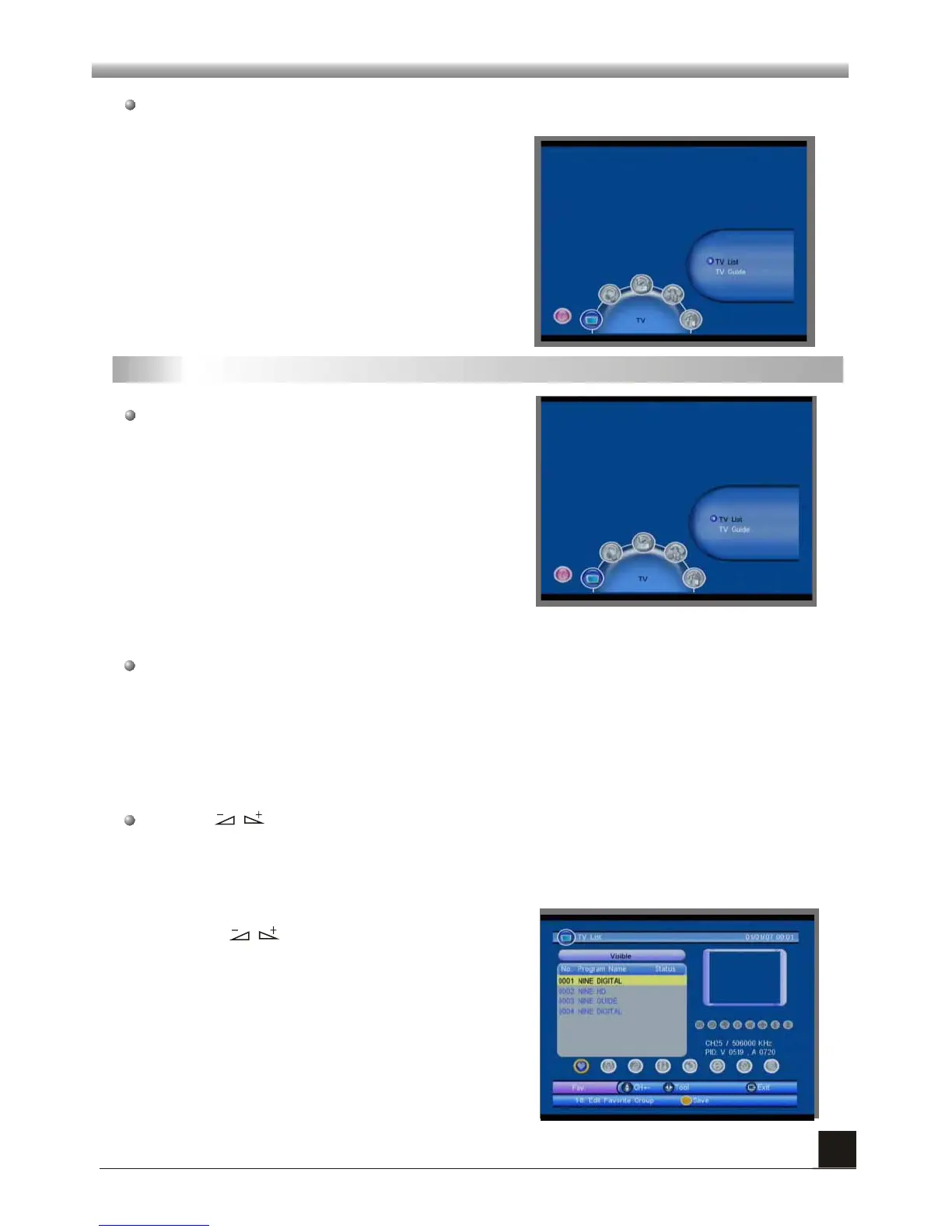
This menu consists of 5 major sub-menus as
below.
-TV
-RADIO
-MULTIMEDIA
-GAME
-SETUP
1.1 TV List
When you press [MENU] key, you can enter Main Menu.
When you enter “TV List” menu you can move highlight by pressing [Up/Down] key
and preview the highlighted program in preview window beside the channel list .
This menu has two sub-menus:
-TV List
-TV Guide
You can press [Page Up/Page Down] key to implement the Page up or Page down
function.
You can press [OK] key to enter full screen mode.
Pressing keys to carry out the corresponding functions that shows you at the
bottom of the screen.
1.1.1 Favorites
Pressing keys to select the favorites
button, and then press PR+,PR-
assign the selected channel,
press yellow key to save, or press [EXIT] key
to cancel the operation.
keys to select
the program you like, after that press number
key 1-8 on RCU to
1. TV
Remark: This is a Standard Digital STB,
therefore it does not support the HDTV
channel broadcasting.



 To Next Page