7
WELCOME PAGE
WELCOME PAGE
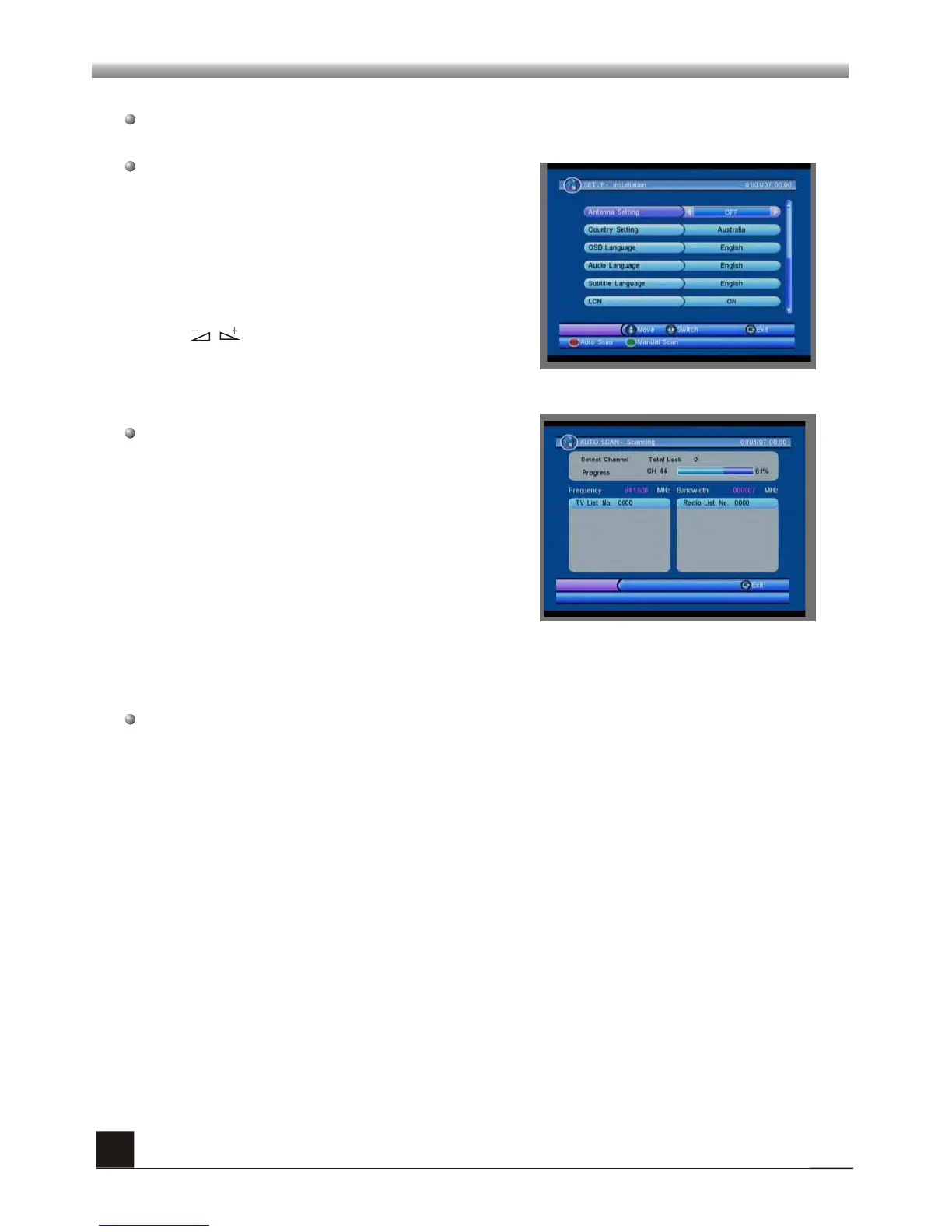
When power on first time, it will show welcome page like below.
Press keys to move highlight to choose
your choice.
Press PR+,PR- keys to move highlight to
select Antenna Setting, Country Setting,
OSD Language, Audio Language, Subtitle
Language, LCN, GMT usage, Time Zone, Set
Date and Set Time.
Press [EXIT] key to exit this menu.
Press red key to enter “ Auto Scan” menu, and
press green key to enter “Manual Scan”.



 To Next Page