HVBTR1200‐004A
8|Page
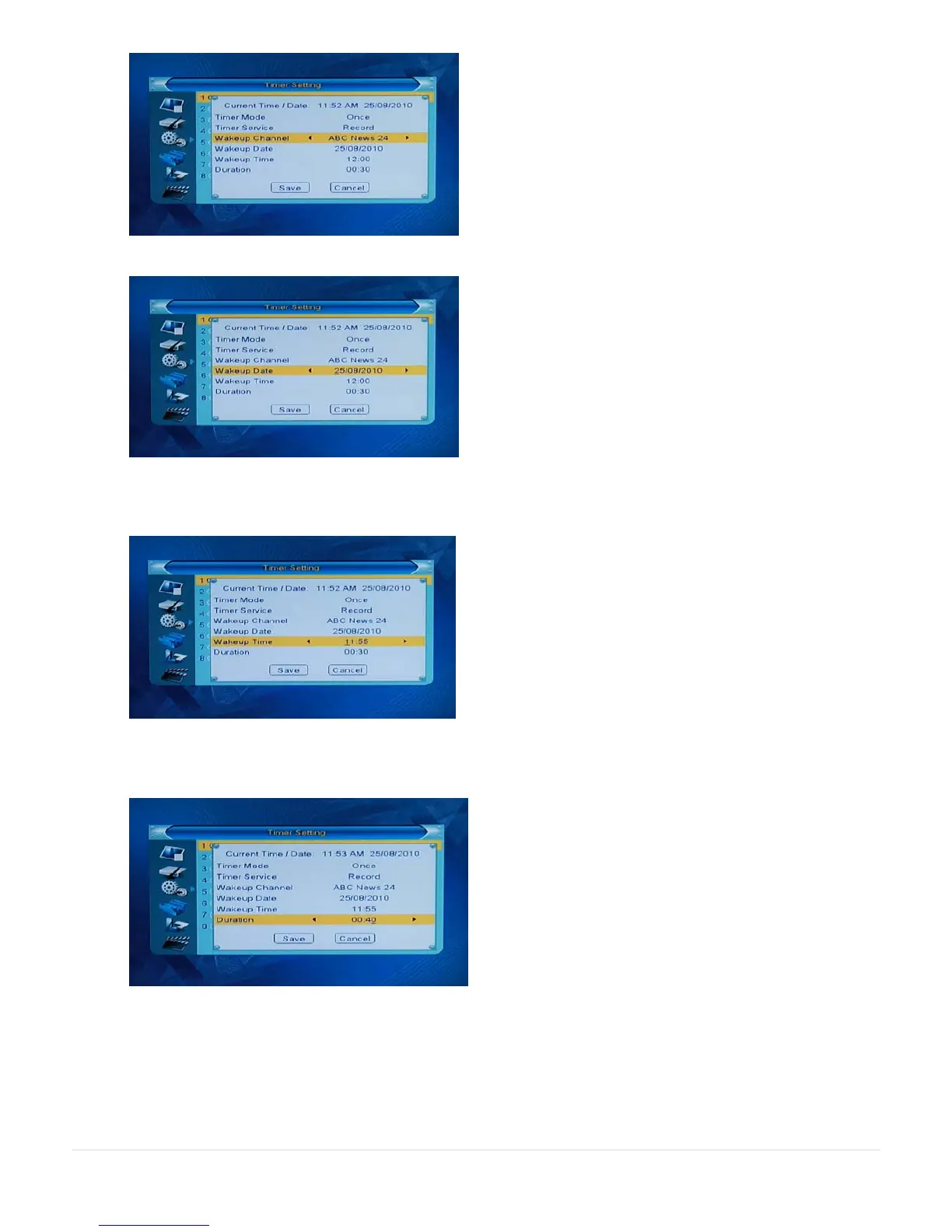
PR- key down to Wakeup Channel and set to the station you wish to record
PR- key down to Wakeup Date and set to the date of the program
PR- key down to Wakeup Time and set to the time the program starts (24 hour clock). TIP: In the example below
we set the time to 5 minutes before (11:55) the program starts (12:00) to make sure we catch the beginning of the
show.
PR- key down to Duration and set the recording length. TIP: In the example below we have allowed for the 5
minutes for the early start (11:55). We have also added 5 minutes longer to allow for any program overruns (11:55
+ 40 minutes = 12:35 finish).
Note: If your recording exceeds 3 hours, set Auto Standby to Off.
See 7. Auto Standby at the end of this document.



 To Next Page