13
MAIN MENU
MAIN MENU
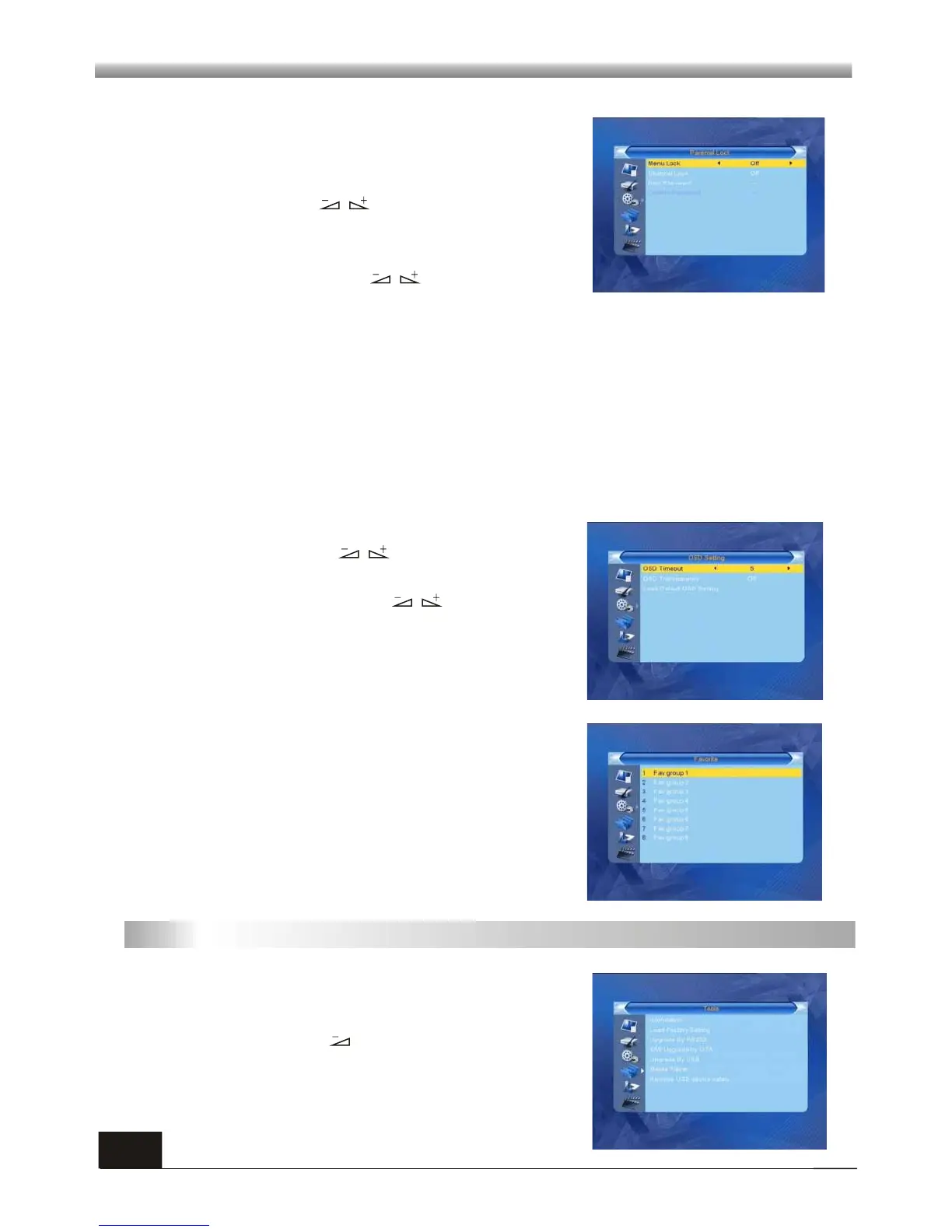
Before entering into the Parental Lock window, you
need input the correct password. The default
password is 0000.
1. Menu Lock: Press keys to select between
Off and On. If ON is selected, password will be
required to access sub-menus.
2. Channel Lock: Press keys to select
between Off, AGE10, AGE12, AGE 16 and AGE 18.
The default value is Off.
3.5 Parental Lock
If select "On", you can not view the locked channel set in Chanel List Edit window
until you input the correct password.
3. New Password: Use numeric key (0-9) to input the new password.
4. Confirm Password: Input the new password once again. Confirm password must
be the same as the New password. System will inform you "Change password
successfully!" while they are the same, or inform you to input the password of
Confirm password once again when they are not the same.
3.6 OSD Setting
1. OSD Timeout: Press keys toselect from 1
to 10 by step1. The default values Is 5.
2. OSD Transparency: Press keys to select
among Off, 10%, 20%, 30%, 40%. The default
option is Off.
Press MENU or EXIT key to save and exit.
3. Load Default OSD setting: Default OSD timeout
and transparency.
There are 8 favorites group listed in this window. Press
PR+, PR- keys to select one and press OK key to the
Rename window , here we don't explain any more.
3.7 Favorite
1. Press PR+, PR- keys to move the cursor up or
down.
2. Press EXIT key or key to move the focus to
the left menu.
4. Tools



 To Next Page