Troubleshooting
Does it matter which side of the bag is facing up when I am vacuum sealing?
No, it does not matter. However, it might be helpful to insert the Vac-Snap
®
bag with the print side up so you can use the
indicator circles as guides.
What can I do to protect fragile food?
Par-freeze items in an unzipped Vac-Snap
®
bag for 15-25 minutes. Check the food to ensure it is semi-solid. Zip the bag shut
and proceed to sealing. Alternatively, place fragile foods in a sturdy container that will fit inside a Vac-Snap
®
bag. Close the
container, place it into a Vac-Snap
®
bag, then seal.
Why is the bag insert area blocked?
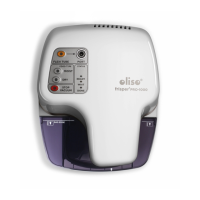
If the Oliso
®
PRO™ Smart Vacuum Sealer was unplugged before the READY light was illuminated, the mechanism in the punch
and seal area may not have fully retracted. Reset the Oliso
®
PRO™ Smart Vacuum Sealer by unplugging, then replugging. Wait
5 seconds until the READY light is illuminated before proceeding.
What do I do if the Oliso
®
PRO™ Smart Vacuum Sealer will not release the Vac-Snap
®
bag?
If the Oliso
®
PRO™ Smart Vacuum Sealer will not release the Vac-Snap
®
bag, unplug the vacuum sealer and try to remove the
Vac-Snap
®
bag. This should reset the machine. Wait 3 seconds before plugging the vacuum sealer in again.
Light Sequences
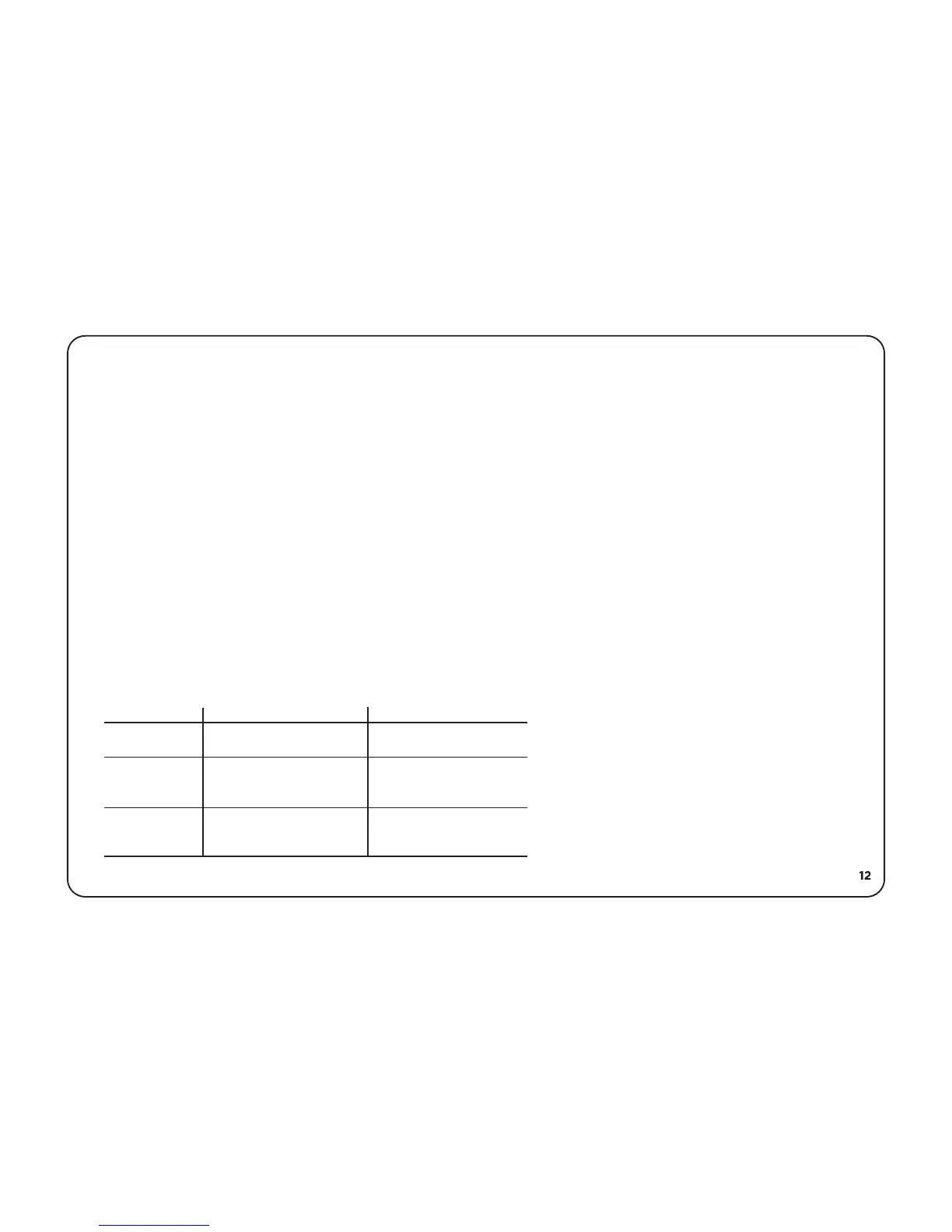
Lights Flashing Problem Solution
DONE
Drip tray not inserted
properly
Replace or reinsert drip
tray
READY
WAIT
WAIT
DONE
Miscellaneous error
Wait until READY light
illuminates
Machine cooling
Unplug to reset machine



 To Next Page