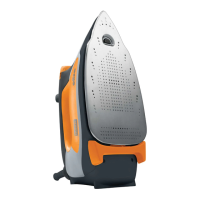
Simply touch the h andle of the iron to restart it.
30
seconds
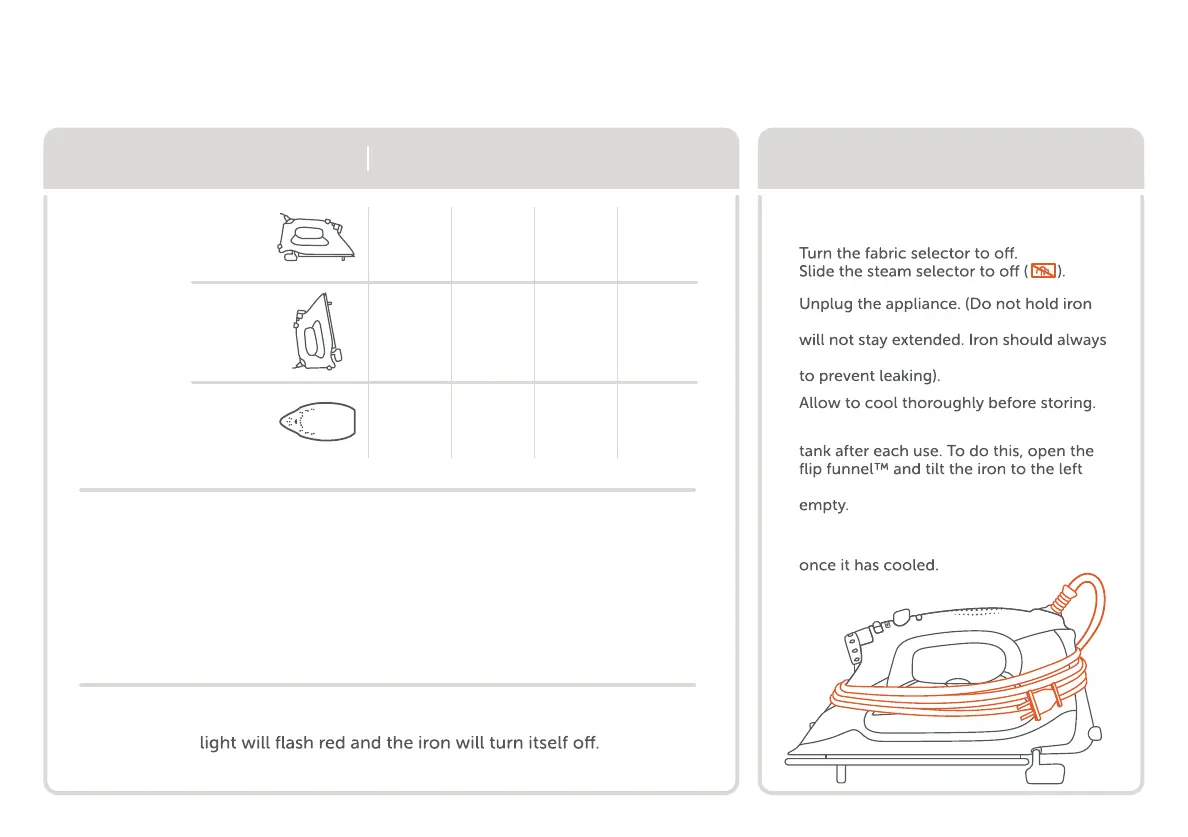
iron position
after ironing
TG1600Pro+
If the oliso® smart iron® is not being used while it is plugged in, the status
store iron properly
auto shut-off system
6
30
minutes
30
minutes
horizontal
lifted
vertical
knocked
over
1
2
while unplugging or the scorch guards™
be stored with scorch guards™ extended
4
Important: Empty water from the water
over a water receptacle until the tank is
5
For easy storage, the power cord can
be wound loosely around the iron
3


 To Next Page