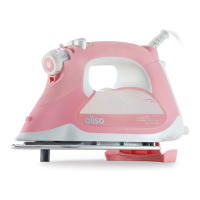
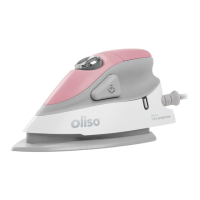
6
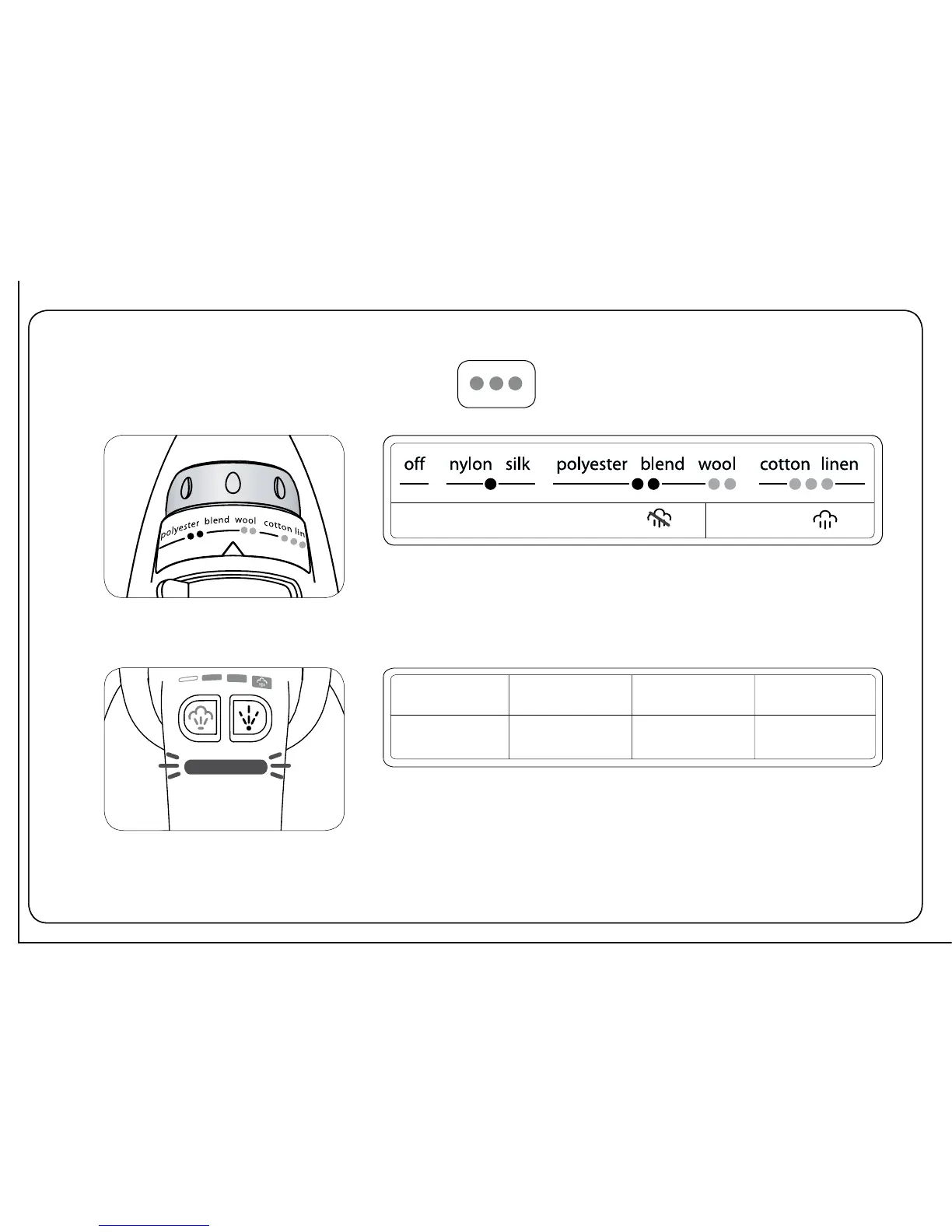
fabric selector
fabric selector
status light
temperature is too low for steam
steam ok
red flashing green green flashing red
off
optimizing
temperature
at set temp auto off
Turn the fabric selector to select a fabric setting. To use constant steam
or steam burst, the temperature must be set to the wool, cotton, or linen
range.
The Oliso iron uses a status light to display the iron’s status. To ensure correct
temperature, wait until the light displays steady green before ironing.



 To Next Page