SIM Insertion
The EasyFlip 2 uses a nano sized SIM to
connect to the mobile network. This is the
smallest size SIM card and is 8.8 mm X 12.3 mm.
Prior to SIM insertion, Olitech strongly advise
that users review the SIM insertion instructions
in the EasyFlip 2 User Manual (pages 10 – 13)
and/or the instructional videos on Olitech’s
website https://www.olitech.com.au/pages/
easyflip2videos. Please request assistance to
insert the SIM card if you are not confident with
SIM insertion.
Powering on/off
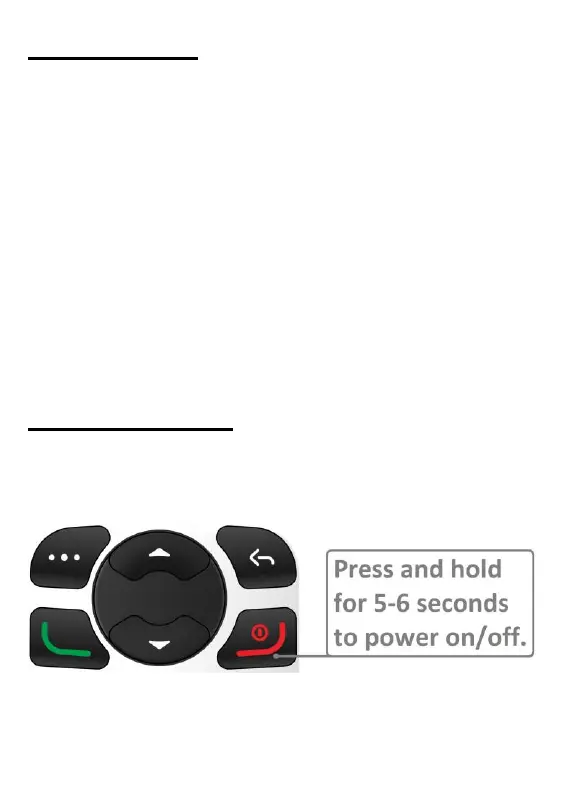
To power the EasyFlip 2 on/off, press and hold
the red “end call” key for 5-6 seconds.
The start-up takes approximately 10-20 seconds.



 To Next Page