for this function to work
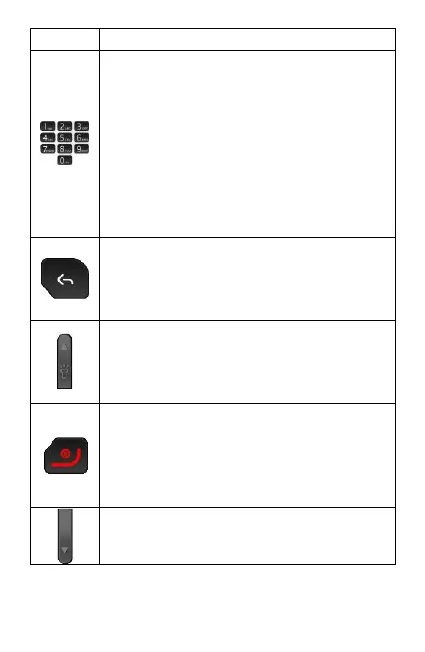
8. Number Keys:
When pressed momentarily, each
number key types their designated
number or letter as displayed on
the key. When “1” is pressed for 3
seconds it links to voicemail.
When 2-9 are pressed for 3
seconds they dial their allocated
speed dial number.
9. Back key
Used to go back to previous
screen OR delete a letter/number
when typing
10. Up Volume and Torch key:
Single press turns volume up;
press and hold for 3 seconds to
turn flashlight on/off.
11. Red key:
Single press during an active call
will end call; When pressed and
held for 3 seconds the phone will
power off/on.
12. Down Volume Key
Single press turns volume down



 To Next Page