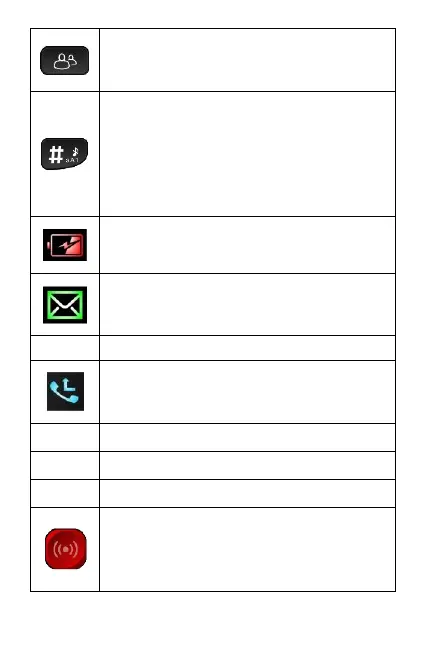
13. Photo Dial key:
Provides direct access to photo
dial contacts.
14. Hash (#) key:
Used to change input methods
(capital/lower case when typing).
When on the home screen, press
and hold hash key for 3 seconds
to activate the silent mode.
15. Low battery indicator:
Illuminates when battery low.
16. Unread message indicator:
Illuminates when unread message
present.
18. Missed call indicator:
Illuminates when unacknowledged
missed call present.
19. Front display LCD screen
22. Emergency key:
Press and hold red emergency
key (on back of phone) for 3
seconds to trigger emergency



 To Next Page