22
O P U S | M E L O D Y U S E R G U I D E
For the different import qualities we recommend FLAC to retain CD audio quality
but to reduce le size to “lossless” compression. To leave the music in it’s original
CD format, choose WAV. Formats vary depending on compression.
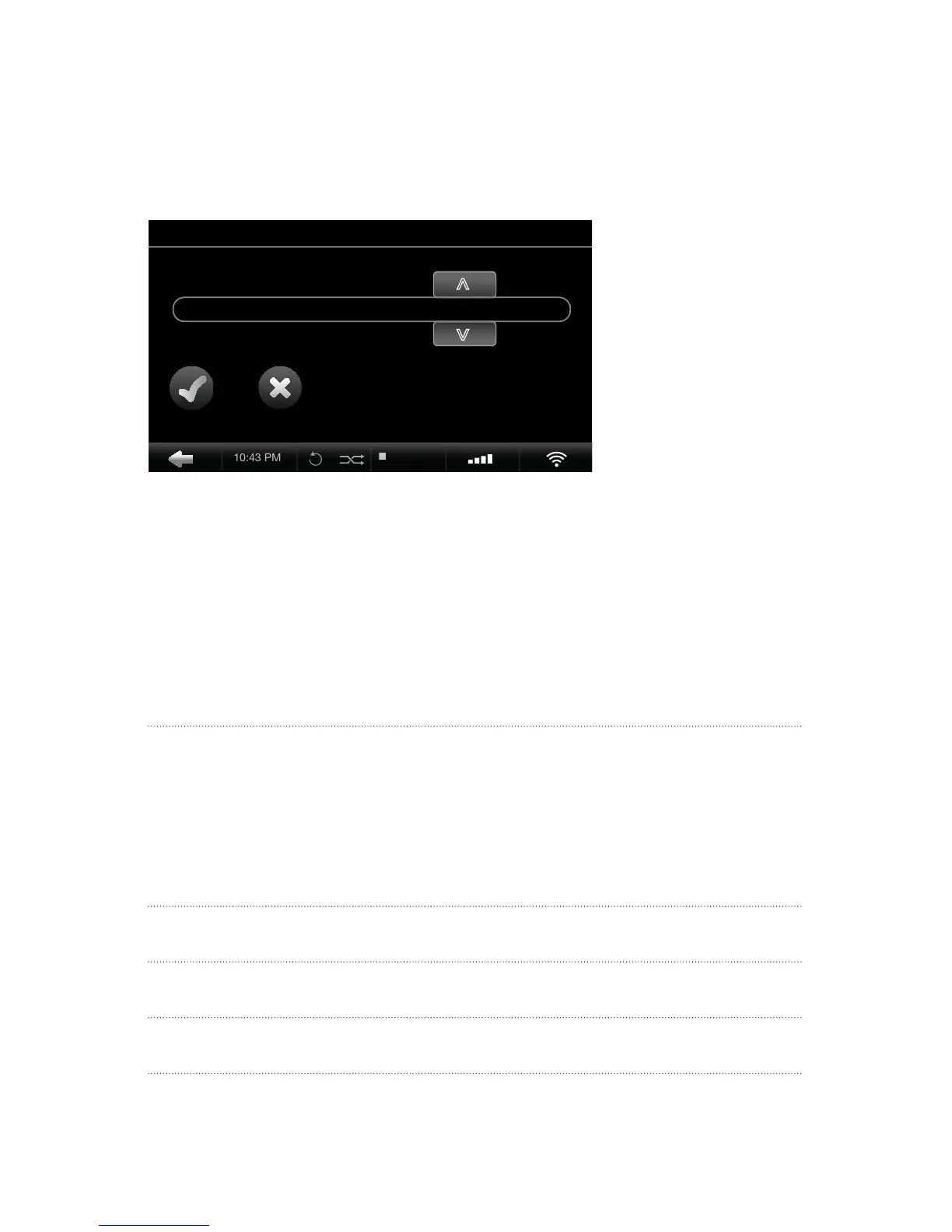
Settings > CD Settings > CD Import Quality
1. Select the CD Import Quality you desire.
2. Insert your CD into the Opus disk drive and select Import when prompted.
FORMAT QUALITY 320GB 500GB 750GB 1000GB/1TB
WAV:
No Compression 1411.2 kbit/s 515 812 1225 1638
FLAC:
Lossless Compression 800 kbit/s 909 1433 2161 2889
AAC
Lossy Compression 128 kbit/s 5680 8957 13508 18059
MP3
Lossy Compression 128 kbit/s 5680 8957 13508 18059
Opus Capacity Overview The number of CDs that your Opus can store is based on hard
drive size and audio format. See chart below.
10:25 PM


 To Next Page