24
O P U S | M E L O D Y U S E R G U I D E
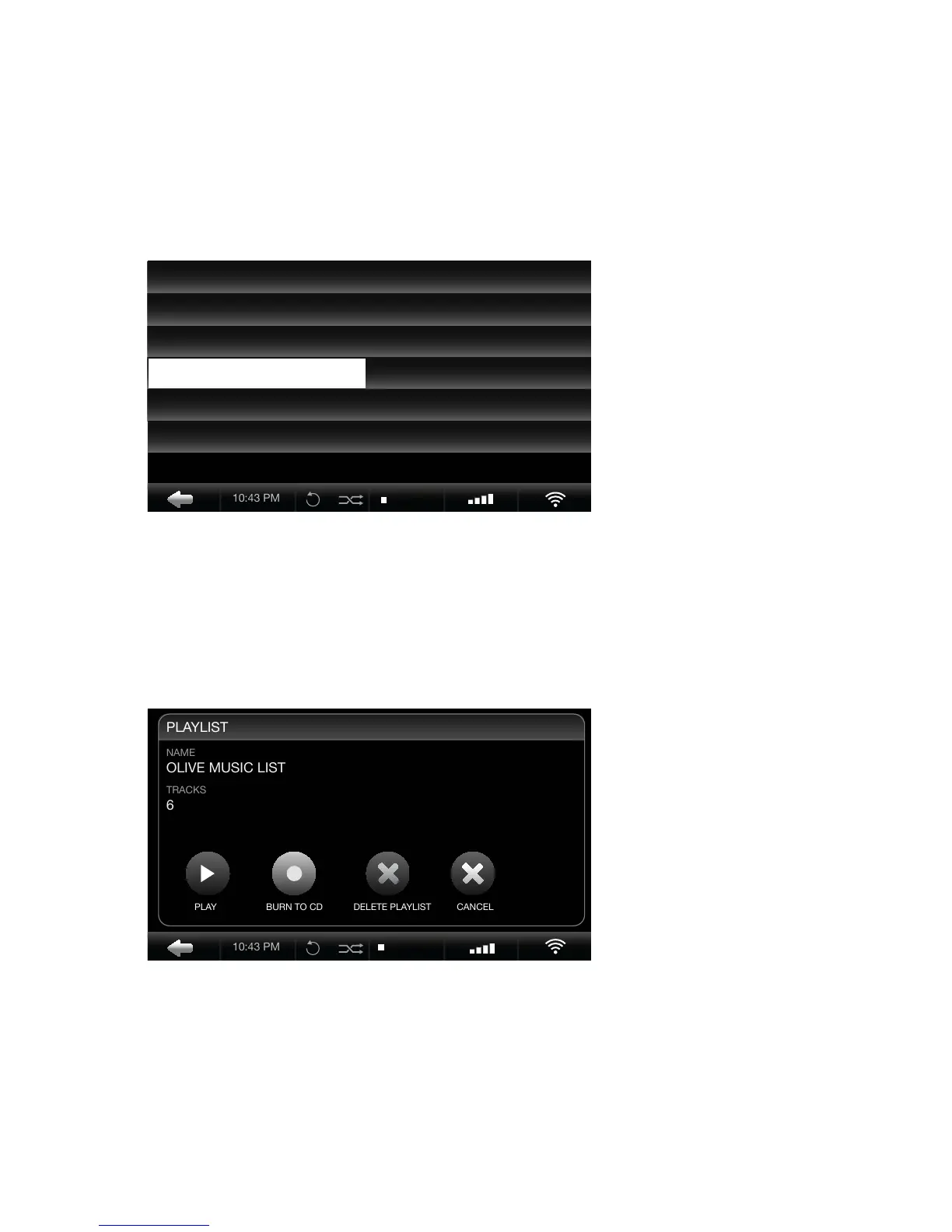
Music Library > Playlist > Select Playlist
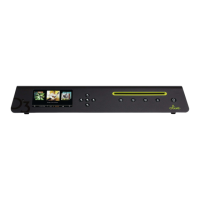
Playlist Option Menu
Burn a playlist from the Opus to a CD for music to go.
1. Locate the playlist you wish to burn from your Opus playlist collection.
2. IMPORTANT: Leave the name of the playlist highlighted.
3. Press Select from the Navigation Buttons while the playlist is highlighted.
4. Select Burn To CD from the pop-up screen.
5. Insert a blank CD when prompted. The CD will eject when complete.
10:25 PM
ADD PLAYLIST OVERLAND
DINNER PARTY GYPSY LADY
MORNING RUSH MOONLIGHT SONATA
OLIVE MUSIC LIST REVOLUTION
OPERA MIX SOMEWHERE OVER THE R...
ROCK HITS YELLOW
10:25 PM


 To Next Page