14
Features
Protection and refinement of your documents.
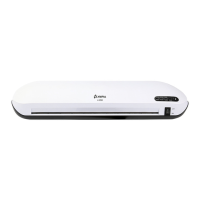
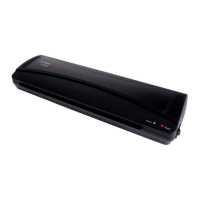
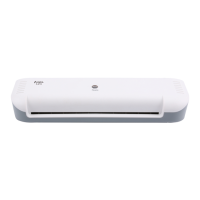
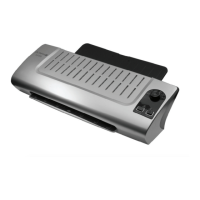
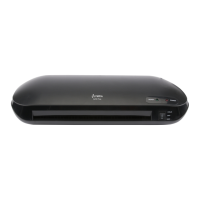
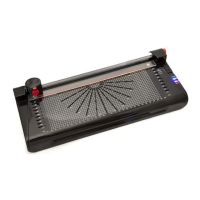
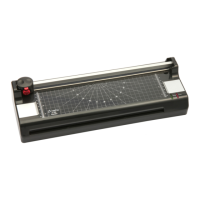
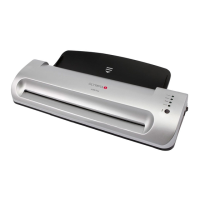
Laminate photos, documents, graphics, ID cards etc. up to A4/A3 size. The
device operates using 2 heating rollers, has a quick warm-up phase and
laminates without a carrier.
LEDs indicate the operating status
Automatic switch-off in the event of overheating
High quality heating system prevents smudging and blistering
Warm-up phase, approx. 5 minutes
Cool down phase to room temperature, approx. 30 minutes.
Foil thickness, minimum 75 m and maximal 175 m
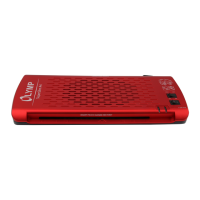
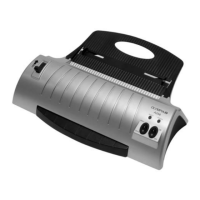
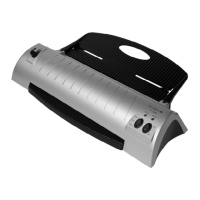
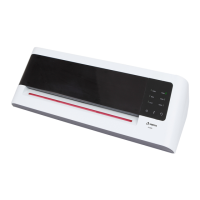
A 296 Plus A 396 Plus
Laminating system: Hot roller technology
Maximum foil thickness: 75 - 175 micron
Laminating speed: 300 mm/min
Power supply: 220 - 240 Volt, 50 Hz
Working width: 230 mm (A4) 330 mm (A3)
Power consumption: 260 W 350 W
Dimensions (LxWxH): 340 x 159 x 70 mm 434 x 159 x 70 mm
Weight: Approx. 1.25 kg Approx. 1.6 kg
Hot Lamination
1 Connect the power cable to an easily accessible, properly installed
power socket.
Attention: Check that the voltage specifications of the machine cor-
respond to that of your power supply network (220 - 240 V, 50 Hz).
2 Switch on the On/Off switch on the right-hand side of the unit (I). The
"COLD" LED lights up and the drive motor for the transport rollers
starts up.
3 Press the foil thickness switch on the device until the LED (75 mic,
125 mic or 175 mic) corresponding to the foil pocket thickness to be
used flashes.
4 The correct operating temperature is reached after about 5 minutes or
as soon as the foil thickness indicator LED lights up continuously.
5 Insert the document to be laminated in the foil pocket so that there is a
margin of approx. 3 - 5 mm to the edge of the foil on all sides.
Attention: Only use hot laminating foils.


 To Next Page