46
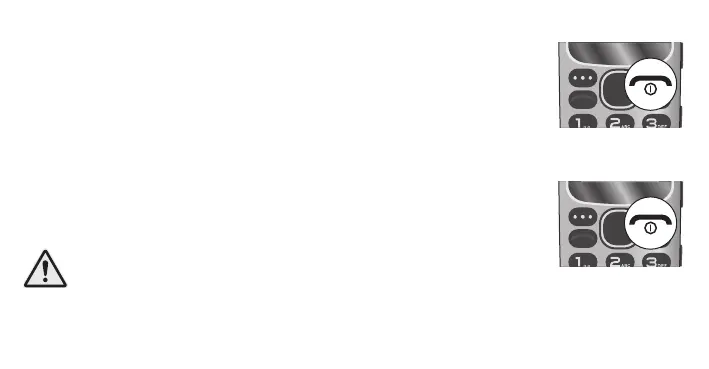
Switch on mobile phone
Press the Hang up button for 3 seconds. Your mobile phone
is switched on. After a short time, the display shows the start
screen.
Switch o mobile phone
Press the Hang up button for 3 seconds. Your mobile phone is
switched o. The display goes out.
IMPORTANT! If your mobile phone is switched o, you
cannot use the emergency call function (via the emergency
call button).



 To Next Page