45
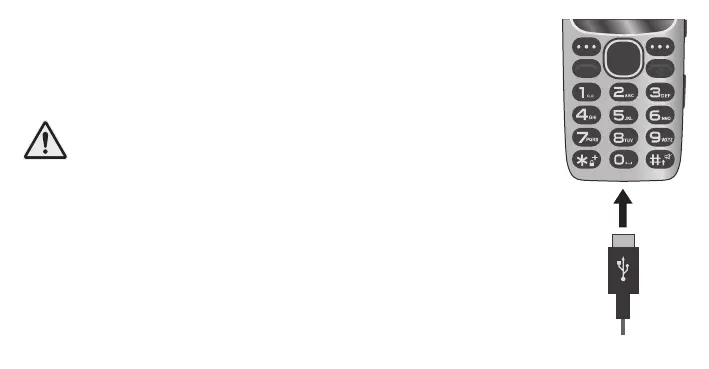
Charge battery
1 Connect the charging adapter to a properly installed socket.
2 Connect the USB plug to the USB-C connection socket of your
mobile phone. The USB plug is reverse polarity protected.
CAUTION! Do not remove the battery while the mobile
phone is charging. Remove the charging cable from your
mobile phone before replacing or removing the battery.
Do not leave your mobile phone unattended while
charging.
3 When your phone‘s battery is fully charged, disconnect it
from the power supply. This allows you to reduce your power
consumption.



 To Next Page