44
Insert battery
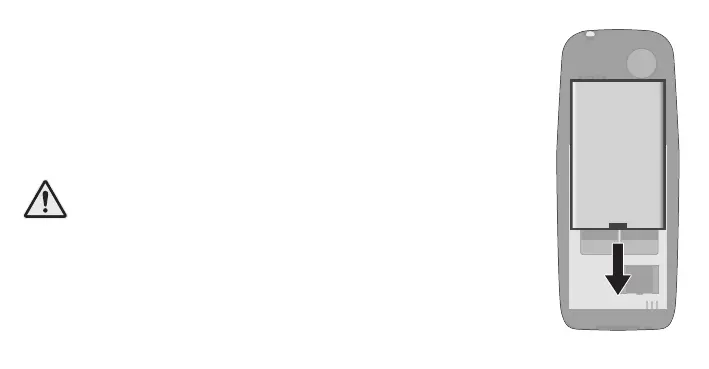
Before you can use your mobile phone, insert the supplied batte-
ry into your mobile phone.
1 Insert the battery with the contacts facing downwards as
shown. Pay attention to the orientation of the battery.
2 Replace the battery compartment cover. You will hear the
battery compartment cover click into place.
CAUTION! Do not remove the battery while the mobile
phone is charging. Remove the charging cable from your
mobile phone before replacing or removing the battery.



 To Next Page