7 Troubleshooting
7.1 Possible problems
Problem: The camera is not working
Possible cause Remedy
The USB camera cable is not
connected properly.
Connect the USB camera cable properly.
When the USB camera cable is
connected properly, the LED lights up
continuously green before the software
starts.
The USB camera cable is
connected to a USB 2.0 port.
Connect the camera to an USB 3.1 port.
Problem: Live image is not displayed
Possible cause Remedy
The illumination of the
microscope is not turned on.
Switch on the microscope illumination.
The light path selector of the
microscope is not set to the
camera.
Set the light path selector of the
microscope to the camera output.
The illumination intensity of the
microscope is not adjusted
properly.
Set the illumination intensity of the
microscope correctly.
Live image is very dark Increase the exposure time.
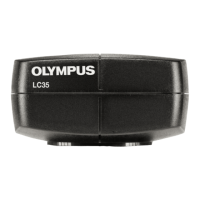
OLYMPUS LC35
20










 To Next Page