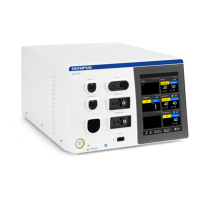
USG-400
Troubleshooting 8-6 ISSUE1
2. Executing the probe check
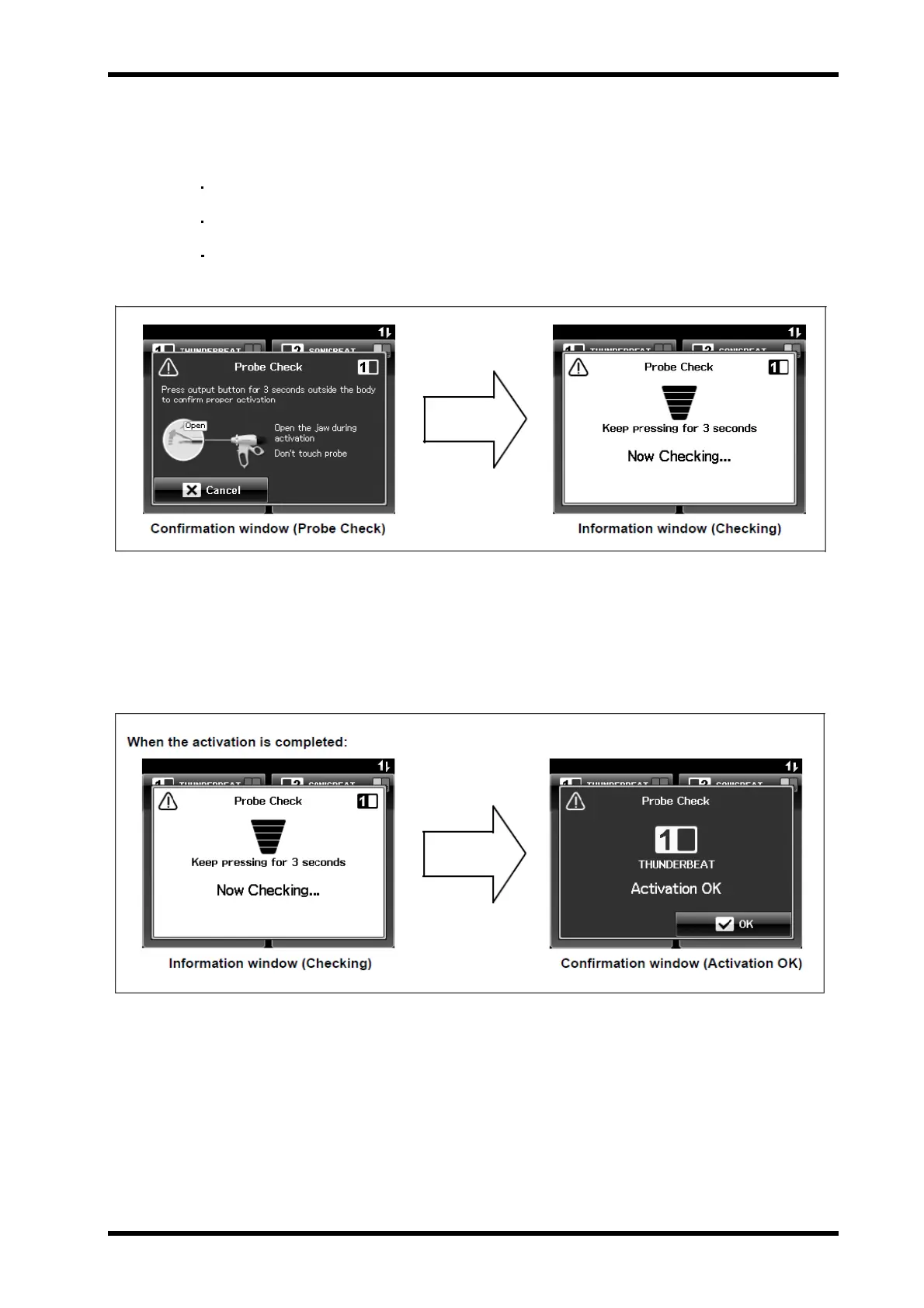
With the grasping section open, press and hold the handswitch or footswitch
pedal for 3 seconds and then release it (see Figure 8.5)
The probe check starts.
The information window (Checking) is displayed.
When the check completes, the information window (Checking)
disappears and the probe check result is displayed.
Figure 8.5
To cancel the probe check before the execution, press the “Cancel button” on the
bottom left of the confirmation window (Probe Check).
The display returns from the confirmation window (Probe Check) to the
“All screen” or “Set screen”.The confirmation window (Probe Check) is displayed.
Figure 8.6


 To Next Page