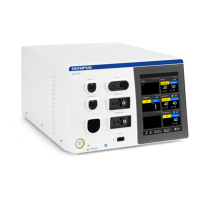
USG-400
ISSUE1 8-7 Troubleshooting
3. Probe check result
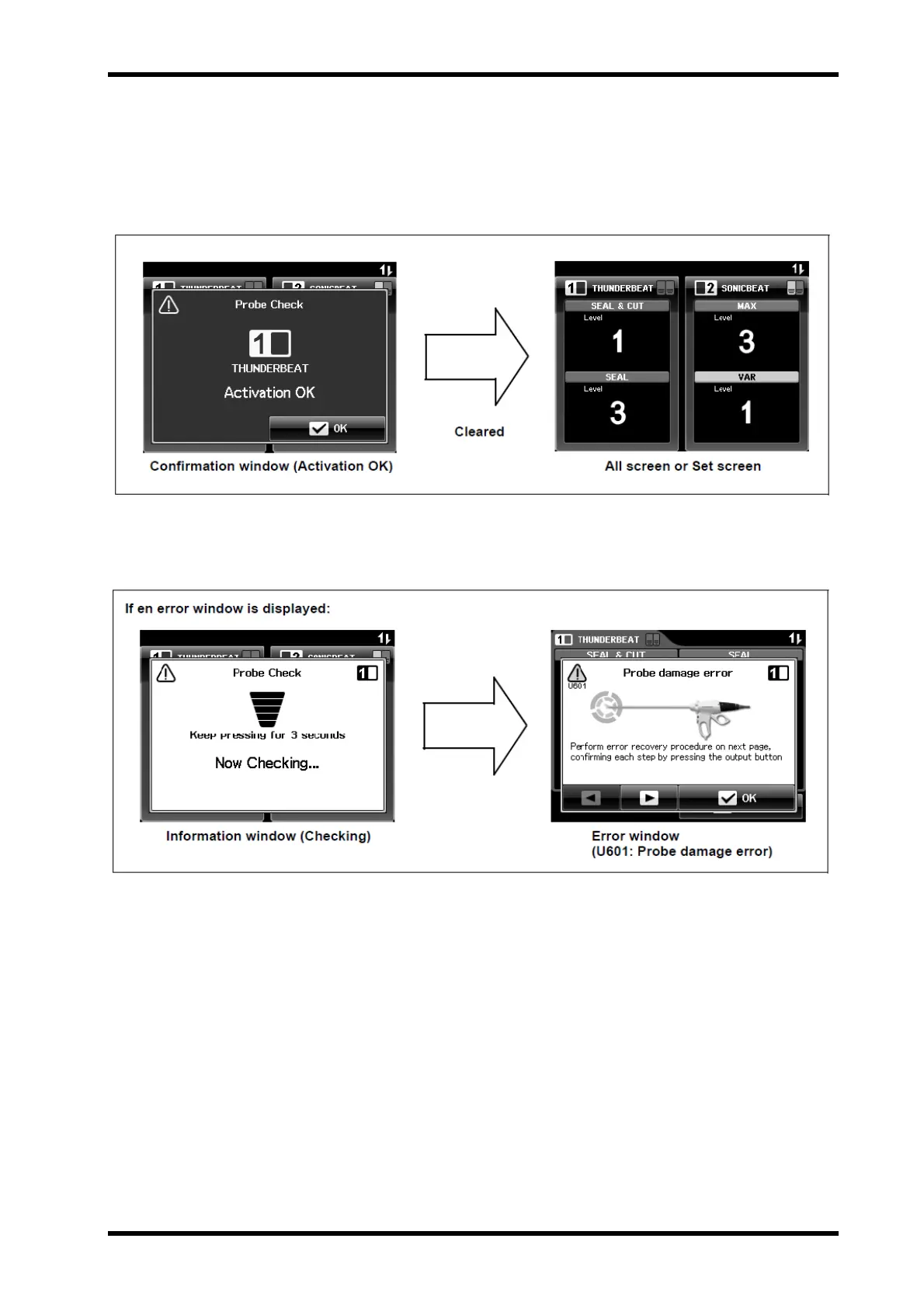
When the confirmation window (Activation OK) is displayed, press the “OK
button” (see Figure 8.6).
The confirmation window (Activation OK) disappears and the “All screen” or
“Set screen” is displayed (see Figure 8.7).
Figure 8.7
When this error window is displayed, take proper measures following
pattern 5 in this chapter (see Figure 8.8).
Figure 8.8


 To Next Page