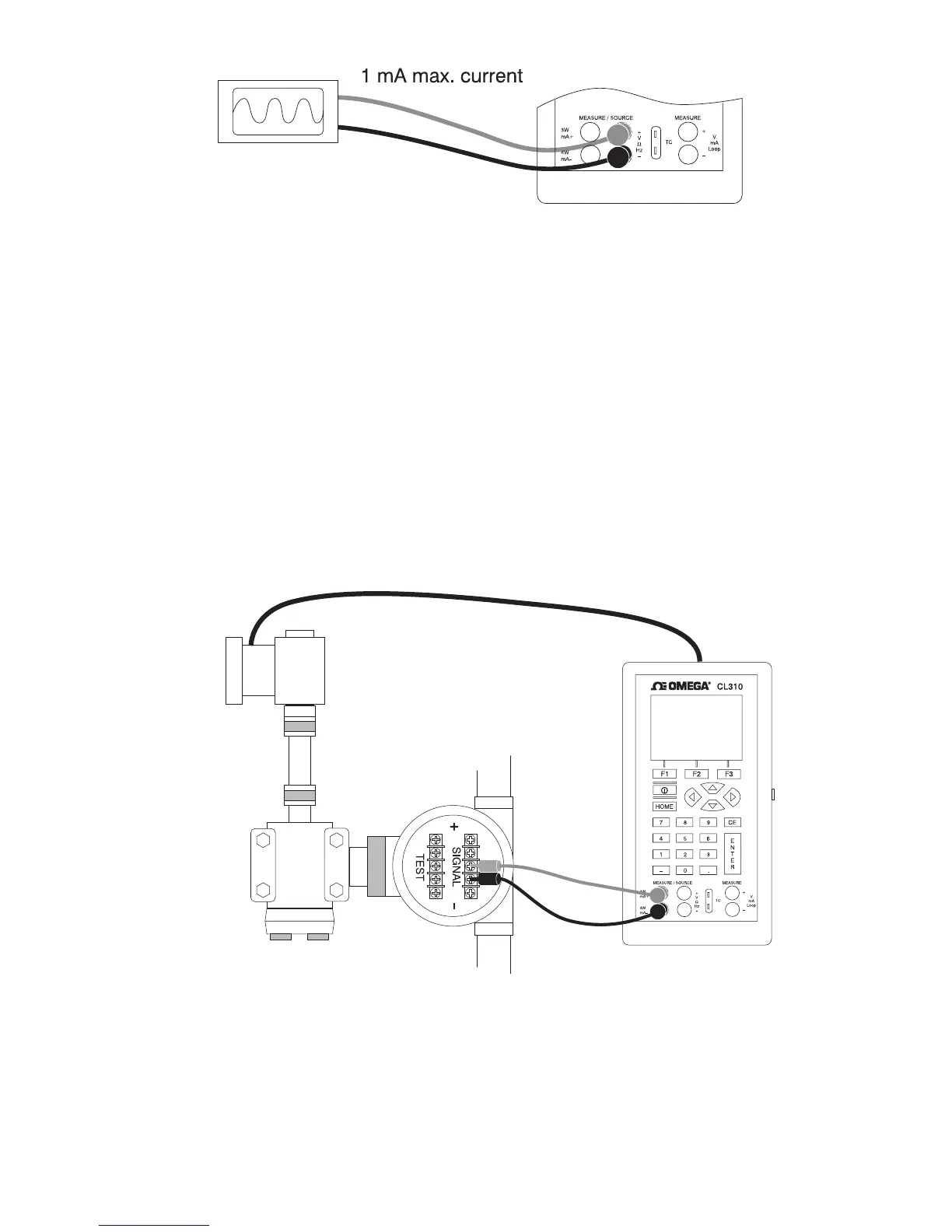
Figure 19. Connections for Testing an Output Device
6.2 Calibrating an I/P Device
The following steps show how to calibrate a device that controls
pressure:
1. Select upper display from the Main Menu, and select pressure
from the primary parameters.
2. Switch to lower display from the Main Menu, and select current
source [mA out] from the primary parameters.
3. Connect the calibrator to the device as shown in Figure 20. The
calibrator will simulate the transmitter current and measure the
output pressure.
4. Enter a current using the keypad.
Figure 20. Calibrating an I/P Device
6.3 Calibrating a Transmitter
To calibrate a transmitter both the upper and the lower displays will
be used; one for measuring and the second a source. This section
covers all but the pressure transmitters. A thermocouple temperature
27


 To Next Page