12
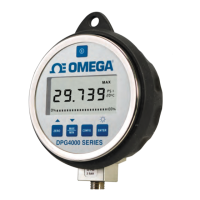
Use the Pressure Standard to output 0.00 psi. After the output has
stabilized, press the ENTER key to continue. As the unit takes
readings, the screen will show ———-. When the readings are
complete the screen should look as shown below.
Note: Only some ranges use vacuum calibration. If your gauge is not
one, than this step will be automatically skipped and calibration will be
complete.
Use the Pressure Standard to output -12.00 psi. After the output has
stabilized, press the ENTER key to continue. As the unit takes
readings, the screen will show ———-. When the readings are
complete the unit will reset and power up in normal mode.
PSI
-12.00
CAL MODE
PSI
0.00
CAL MODE


 To Next Page