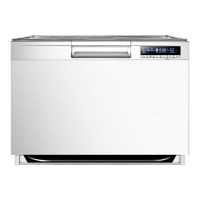
GETTING FAMILIAR WITH YOUR MACHINE
4
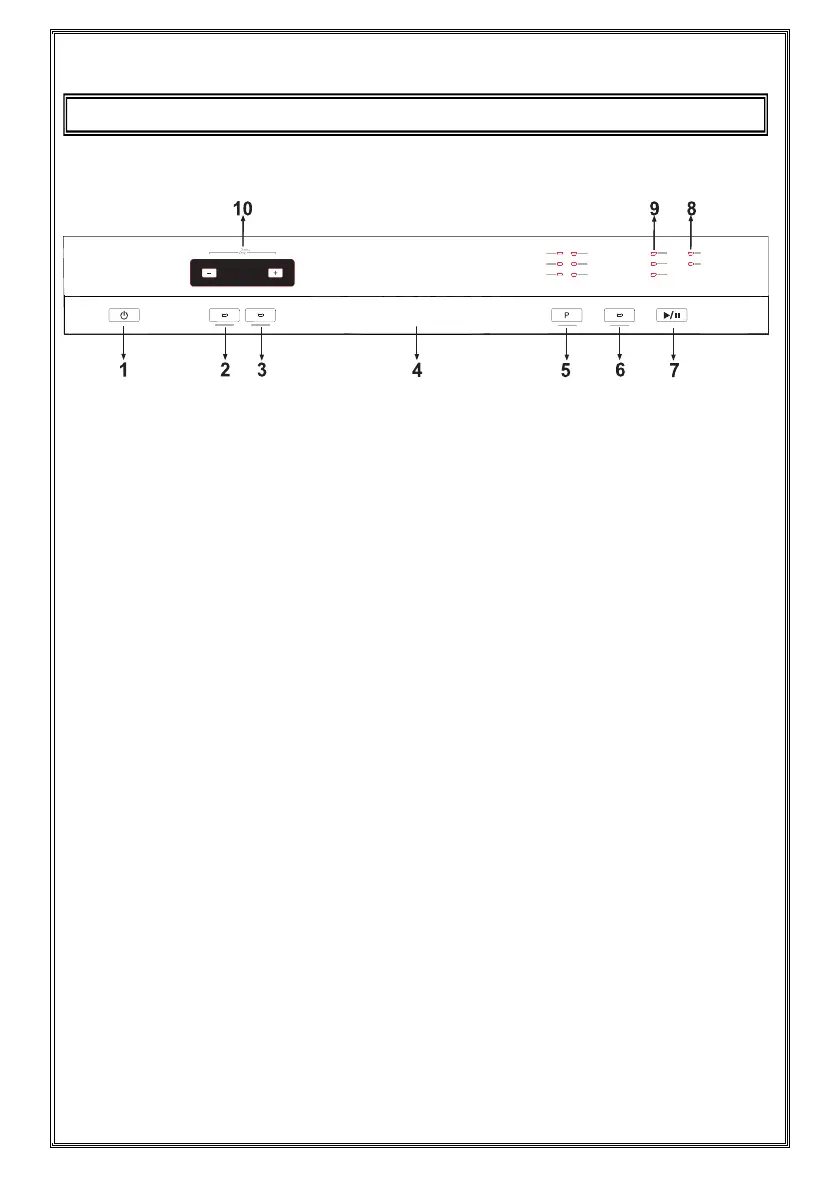
1.) ON/OFF Button
When one presses the on/off button, the machine is energized and
the light on Start/Standby button goes on.
3
.
2.) Extra Hygiene Button
By using this option, washing temperature and periods during respective
cycles may be changed, which ensures more hygienic washing.
3.) Tablet Detergent Button
Push Tablet Detergent button when using combined detergent that
contains rinse aid and extra functions.
4.) Door Handle
Use door handle to open-close the door of the machine.
5.) Program Selection Button
With the program selector button, you can select a suitable
program for your dishes.
6.) Upper Basket Option
By using the 'upper basket' feature of your dishwasher, you can reduce
the duration of your selected programs, and decrease your power
and water consumption by using less electricity and water.
26
1
2
3 4
5
6 7
8
9
10



 To Next Page