© 2011 Omnicell, Inc. 1-, 2-, 3-Cell Color Touch Installation and Service Guide/67-2014 Rev G
G4 PC Box Service 13-21
Remove and Replace the Keyboard and Printer Panel
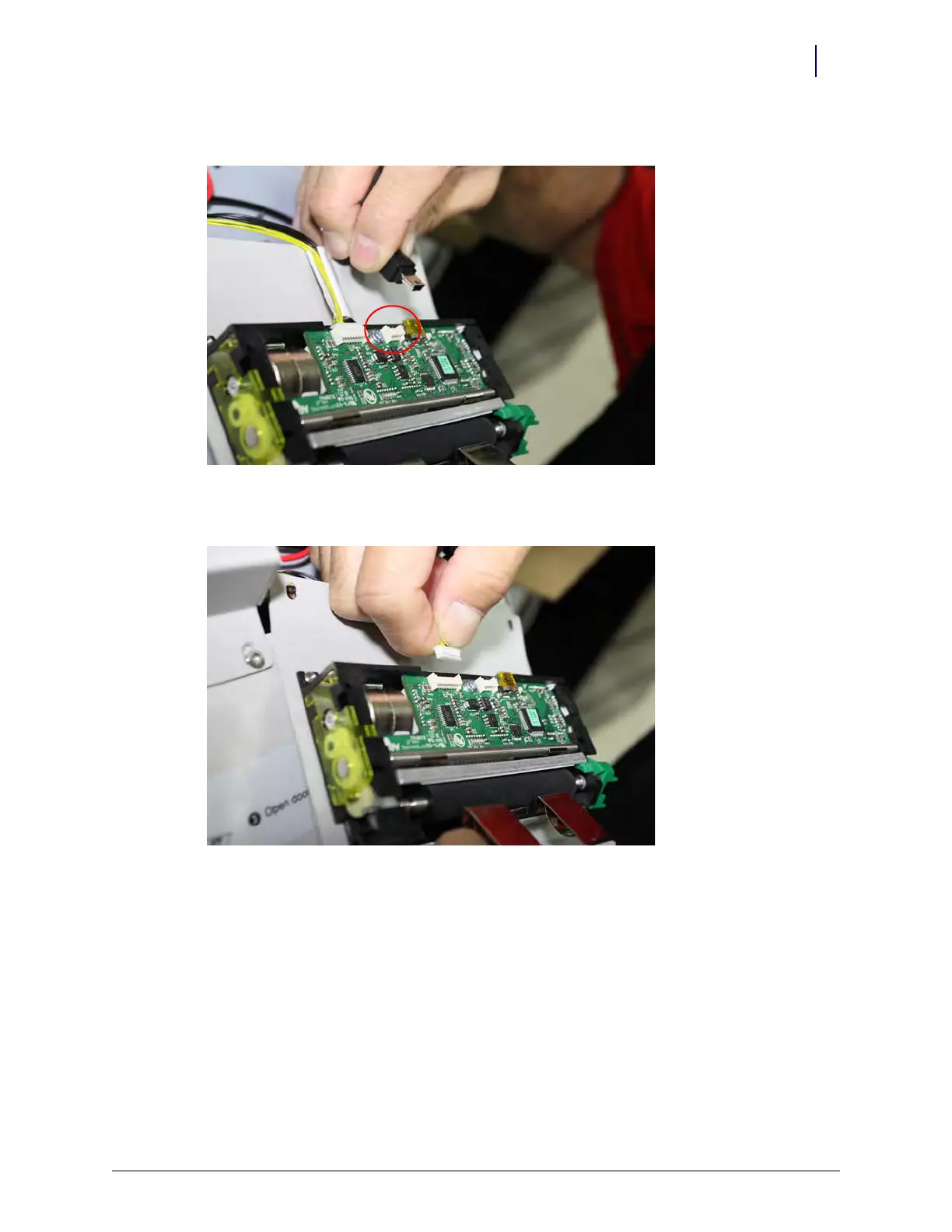
6. Remove the mini USB cable from the right printer.
Figure 13-38. Removing the Mini USB cable from the right printer
7. Remove the data cable from the right printer.
Figure 13-39. Carefully remove the data cable from the right printer
8. Remove the unit and carefully set aside.
9. Remove the screws from the left printer. They are in the same relative location on the left
printer as the right printer.
10. Rotate the panel forward to gain access to the connections in a similar fashion as just used to
access the right printer connections.



 To Next Page